1
Section 3
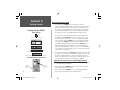
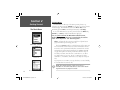
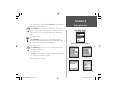
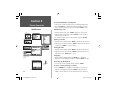
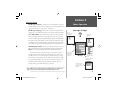
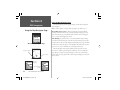
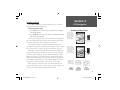
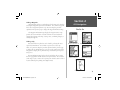
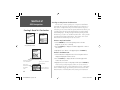
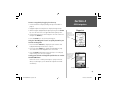
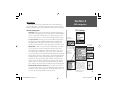
6. Move to the units field and press ENTER to display the options list.
Highlight the desired option and press ENTER.
Phone Operation
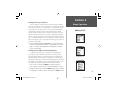
Using the Calendar
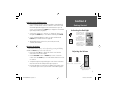
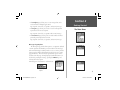
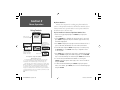
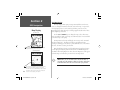
A Reminder will
turn the unit On
, if necessary in
order to signal the
reminder note.
You must clear a
Reminder before
the next reminder
will signal.
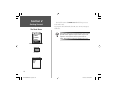
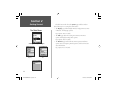
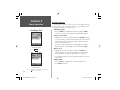
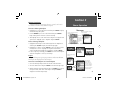
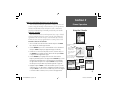
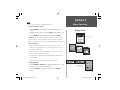
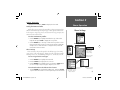
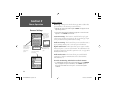
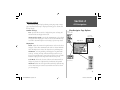
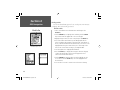
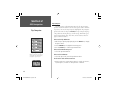
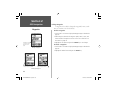
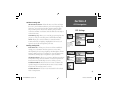
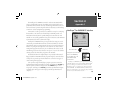
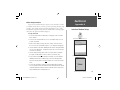
Appointment Reminder Page
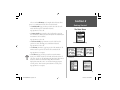
7. When completed, press the ENTER key and then move down to
highlight the ‘Save’ key and then press ENTER to save the appointment to the Appointments List Page.
8. Press the MENU key to view or use the Appointment Page options.
Using the Appointment Page Options
When setting up an appointment page you can choose from three
options: Delete, Recurrences, and Move To.
To cancel an appointment:
1. Select the appointment from the list page and press ENTER to display
the page.
2. Press the MENU key to display the options menu. Select ‘Delete’ and
press ENTER to delete the page, or... use the page ‘Delete’ button..
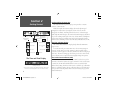
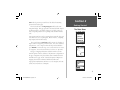
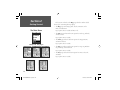
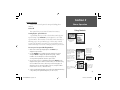
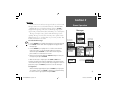
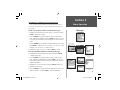
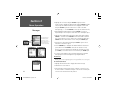
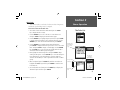
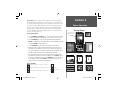
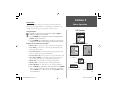
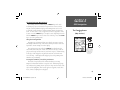
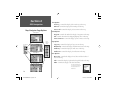
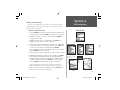
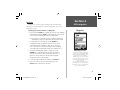
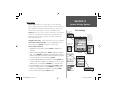
New Appointment Options Menu
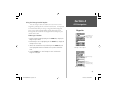
To setup recurrences: (usually done for a new appointment)
1. With the New Appointments Page displayed, press the MENU key to
display the options menu.
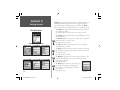
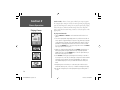
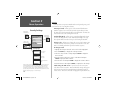
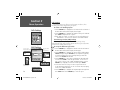
End-On Options
Interval Settings Page for Appointment Reminders
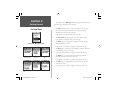
2. Select ‘Recurrences’ and press ENTER to display the Recurrences setup
page. On this page you will observe and ‘Interval’ field with a default
entry of “None”. Press ENTER to display the list of interval options.
When you highlight any other option than “None” and then press
ENTER, to display the ‘Frequency’, ‘Day of the Week’, and ‘End On’ fields.
3. Highlight each field as required and enter the desired data. Press the
CLEAR key to close.
To move an appointment to a new date:
46
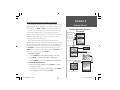
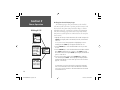
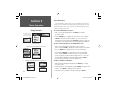
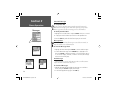
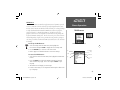
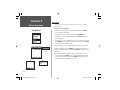
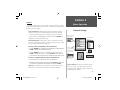
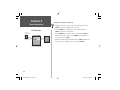
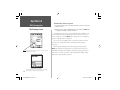
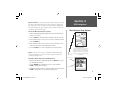
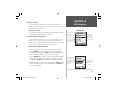
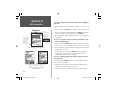
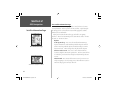
Appointments List Options Menu
NvTlkGSMManual copy.indd 46
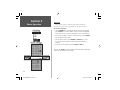
1. Select the ‘Move To’ option and press ENTER to display the Calendar
Page. Use the ARROW keys to move to the new date and press ENTER.
12/2/2002, 8:42:33 AM