1
E V E R F O C U S
E L E C T R O N I C S
C O R P O R A T I O N
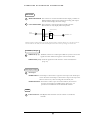
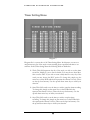
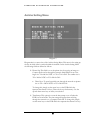
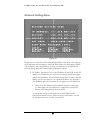
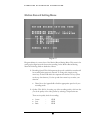
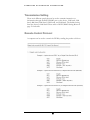
represent the channel 1-4 keys (These are the top four buttons). Use the
up and down arrow keys to make your selection.
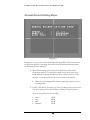
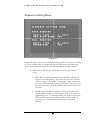
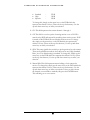
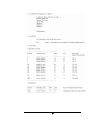
¾ Recording Speed: This option is to set the speed of the pre-alarm
recording. To change this, simply use the arrow keys on the DVR which
also represent the channel 1-4 keys (These are the top four buttons). Use
the up and down arrow keys to make your selection.
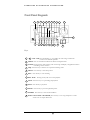
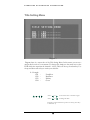
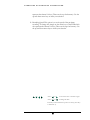
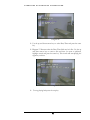
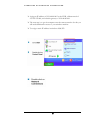
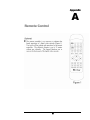
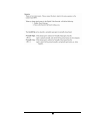
: Press
or
to move the cursor to the left or right.
: Press
or
to change the value.
These keys are located at the top left row of keys (same keys
as channel 1-4).
23