1
L
R4C4620
Rev. C
A5 size
6/14/00
Proof Sign-off:
SEI Y.Ohkawara T.Takahashi
T.Takahashi
SEI M.Kauppi K.Blair
CONT.FM
Pass 3
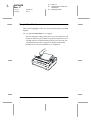
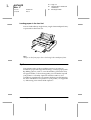
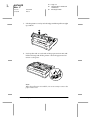
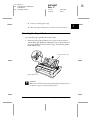
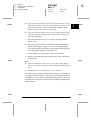
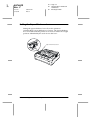
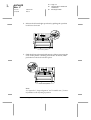
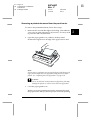
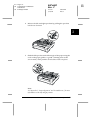
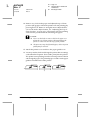
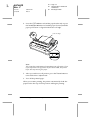
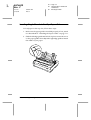
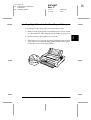
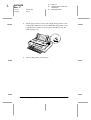
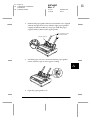
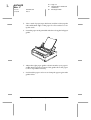
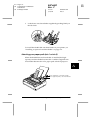
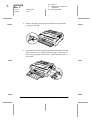
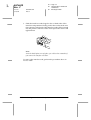
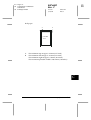
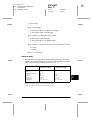
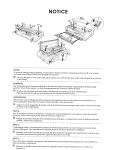
4. Release the left and right sprockets by pulling the sprocket
lock levers forward.
front of the printer
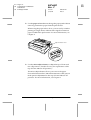
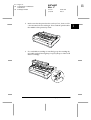
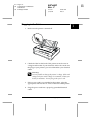
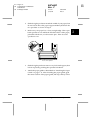
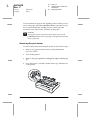
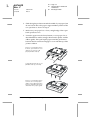
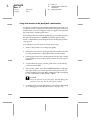
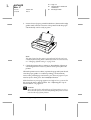
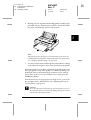
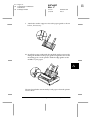
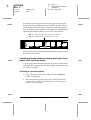
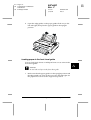
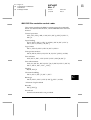
5. Slide the left sprocket to the left margin of the paper using the
scale on the printer. (Printing starts at the “0” mark.) Then
push the lever back to lock it in place.
front of the printer
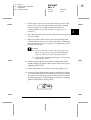
Note:
See Appendix C, “Paper alignment” and “Printable area,” for more
information on the left margin position.
2-8
Printing on Continuous Paper