1
5
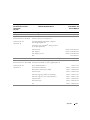
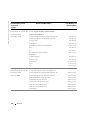
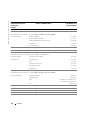
Using CDs, DVDs, and Other Multimedia
Using CDs and DVDs .
. . . . . . . . . . . . . . . . . . . . . . . . . . . . . .
47
CD and DVD Problems
. . . . . . . . . . . . . . . . . . . . . . . . . . . . . .
47
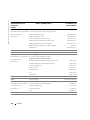
If you cannot play a CD or DVD . . . . . . . . . . . . .
If you cannot eject the CD, CD-RW, or DVD drive tray .
If you hear an unfamiliar scraping or grinding sound .
If the CD-RW drive stops writing . . . . . . . . . . . .
Sound and Speaker Problems .
. . . . . . . . . .
47
48
48
48
. . . . . . . . . . . . . . . . . . . . . . . . .
48
If you have a problem with integrated speakers .
If you have a problem with external speakers . .
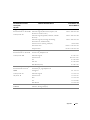
Copying CDs and DVDs.
. . . . . . . . . .
. . . . . . . . . .
. . . . . . . . . . . . .
. . . . . . . . . . . . .
48
48
. . . . . . . . . . . . . . . . . . . . . . . . . . . . .
49
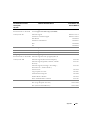
How to Copy a CD or DVD. . . .
Using Blank CD-Rs and CD-RWs
Helpful Tips . . . . . . . . . . .
. . . . . . . . . . . . . . . . . . . . . .
. . . . . . . . . . . . . . . . . . . . . .
49
50
50
. . . . . . . . . . . . . . . . . . . .
50
. . . . . . . . . . . . . . . . . . . . . .
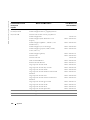
Connecting a Television to the Computer
S-Video Connection . . . . . . . . . . . . . .
Composite Video Connection . . . . . . . . .
Enabling the Display Settings for a Television
6
. . . . . . . . . .
. . . . . . . . . . . . . . .
. . . . . . . . . . . . . . .
. . . . . . . . . . . . . . .
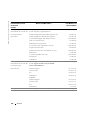
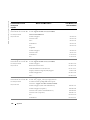
Setting Up a Home and Office Network
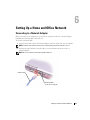
Connecting to a Network Adapter .
. . . . . . . . . . . . . . . . . . . . . . .
57
. . . . . . . . . . . . . . . . . . . . . . . . . . . . .
58
. . . . . . . . . . . . . . . . . . . . . . . . . . . . . . .
58
Network Setup Wizard .
Network Problems .
Connecting to a Wireless Local Area Network .
. . . . . . . . . . . . . . . .
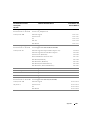
Determining Your Network Type . . . . . . . . . . . . . . . . . .
Connecting to a Wireless Network in Microsoft® Windows® XP .
7
51
53
55
. . . .
58
. . . .
58
59
. . . . . . . . . . . . . . . . . . . . . . . . . . . . . . . .
63
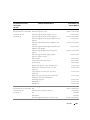
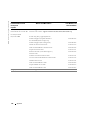
Accessing Help
. . . . . . . . . . . . . . . . . . . . . . . . . . . . . . . . .
65
Error Messages
. . . . . . . . . . . . . . . . . . . . . . . . . . . . . . . . .
65
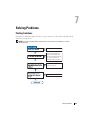
Solving Problems
Finding Solutions.
Contents
5