1
iR1210G_iR1230G.book Page 10 Tuesday, June 24, 2003 2:22 PM
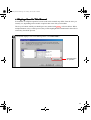
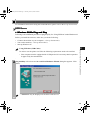
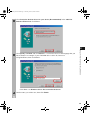
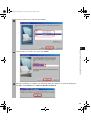
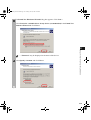
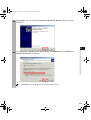
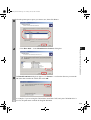
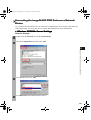
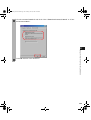
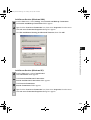
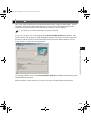
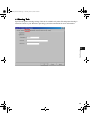
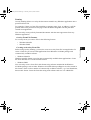
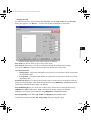
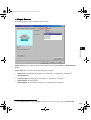
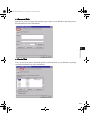
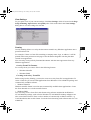
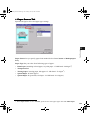
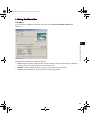
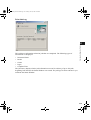
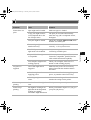
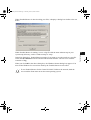
3 The Found New Hardware Wizard dialog box appears. Click Next >.
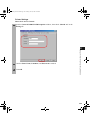
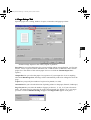
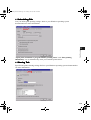
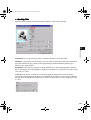
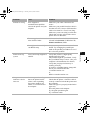
Select Search for a suitable driver for my device (recommended) in the Found New
Hardware Wizard and click Next >.
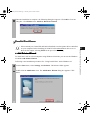
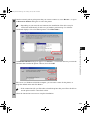
• “Unknown” may be displayed as the name of the device.
NOTE
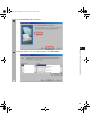
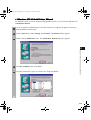
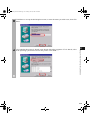
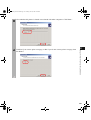
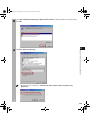
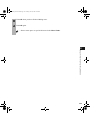
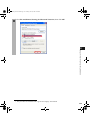
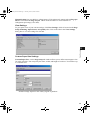
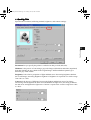
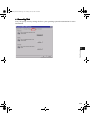
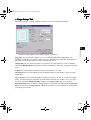
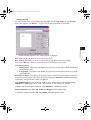
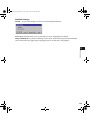
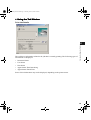
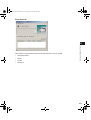
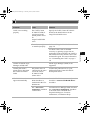
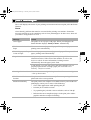
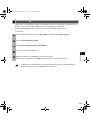
4 Select Specify a location and click Next >.
Installing the Printer Driver (Canon Advanced Printing
2
2-10