
1
Setting Up a Computer for Printing/Sending a Fax
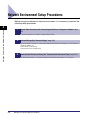
After you have completed the protocol settings, you are ready to set up each of the
computers for printing or sending a fax.
IMPORTANT
Optional equipment is required to print or send a fax from a computer. For the equipment
needed, see "Optional Equipment and System Requirements," on p. 1-2.
Connecting to a TCP/IP Network
All computers that use the machine for printing or sending a fax must have TCP/IP
client software installed and must be enabled for TCP/IP network use. For details,
see the manuals provided with your operating system.
Using a NetBIOS Network
5
Connecting to a NetBIOS Network
All computers that use the machine for printing or sending a fax must be enabled for
NetBIOS network use.
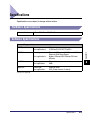
The setup procedures differ depending on your operating system.
See the procedures below to set the computers.
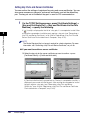
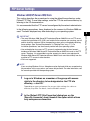
• Windows
98/Me: See "Windows 98/Me," on p. 5-7.
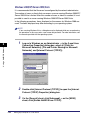
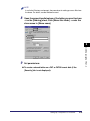
2000/XP/Server 2003/Vista: See "Windows 2000/XP/Server 2003/
Vista," on p. 5-8.
• Mac OS X 10.3 or later: See the documentation provided with your Macintosh.
• Windows
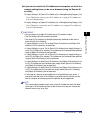
IMPORTANT
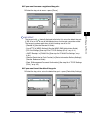
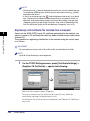
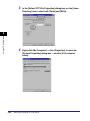
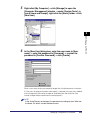
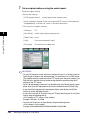
The following procedures describe a sample NetBIOS setup. Depending on your
environment, the actual setup procedure may differ.
5-6
Setting Up a Computer for Printing/Sending a Fax
















































































![[Impostazioni rete].](http://vs1.manualzilla.com/store/data/006126015_1-a8b230434cd1a1b69e1ac6b45a87b86d-150x150.png)