1
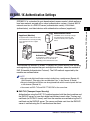
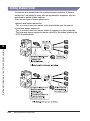
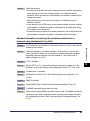
IEEE802.1X Authentication Settings
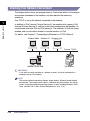
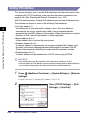
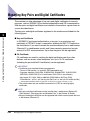
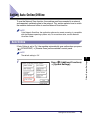
Authentication Server
Supplicant (Machine)
A supplicant device authenticates itself
to the authentication server by providing
a user name/password or a digital
certificate.
A RADIUS server collectively manages
the authentication information and
verifies the identity of the supplicant
device.
Authenticator
A wired switch or wireless access point
allows/blocks access to the network
depending on the authentication result.
Network
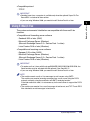
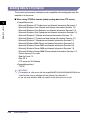
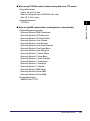
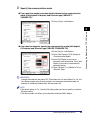
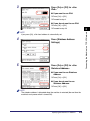
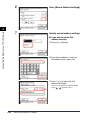
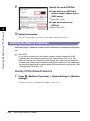
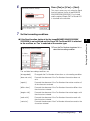
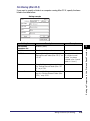
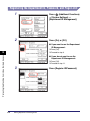
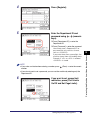
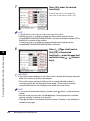
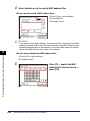
The machine can connect to an 802.1X network as a client device. After installing
and registering the required key pair and digital certificates, select the method of
EAP (Extensible Authentication Protocol). The EAP methods supported by the
machine are outlined below.
NOTE
• Key pairs and digital certificates can be installed from a web browser (Remote UI).
(See Chapter 2, “Managing Jobs and Machine Data,” in the Remote UI Guide.)
• Key pairs and digital certificates can be registered both with the control panel and from
a web browser (Remote UI).
• You cannot set EAP-TLS and EAP-TTLS/PEAP at the same time.
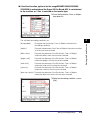
■ EAP-TLS (Transport Layer Security)
Authentication using the EAP-TLS method requires both the client machine and
the RADIUS server to issue their digital certificates to each other. The key and
certificate (in PKCS#12 format) sent from the machine are verified using the CA
certificate on the RADIUS server. The server certificate sent from the RADIUS
server is verified using the CA certificate on the client.
IEEE802.1X Authentication Settings
2-9
2
Connecting the Machine to a TCP/IP Network
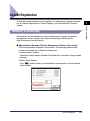
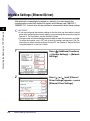
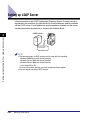
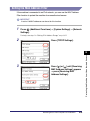
IEEE802.1X is a standard for port-based network access control, which realizes a
local area network secured with a robust authentication system. A typical 802.1X
network consists of a RADIUS server (authentication server), LAN switch
(authenticator), and client devices with authentication software (supplicant).


















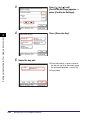
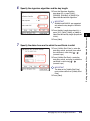
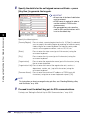





























































![[Impostazioni rete].](http://vs1.manualzilla.com/store/data/006126015_1-a8b230434cd1a1b69e1ac6b45a87b86d-150x150.png)