1
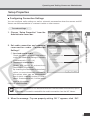
Operating and Setting Camera as Administrator
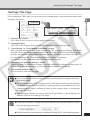
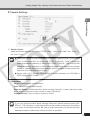
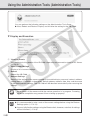
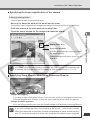
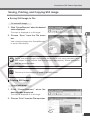
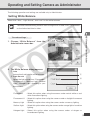
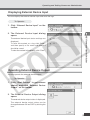
Day Mode
Color images are displayed in the normal mode.
Night mode
The infrared cut filter of the VB-C300 is disabled and the images are displayed in monochrome.
Tip
For the focusing range when the camera is set to Night Mode (→ P. 1-10, 3-14) refer
to the Tip on P.1-10.
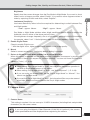
Shade Correction
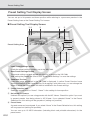
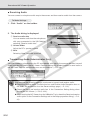
To Make Settings...
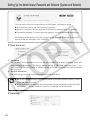
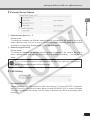
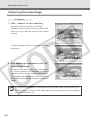
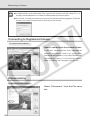
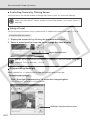
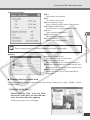
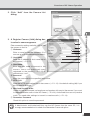
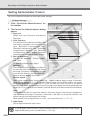
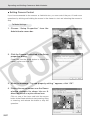
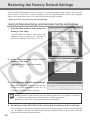
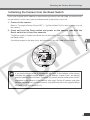
1. Click the “Shade Correction” on the
toolbar.
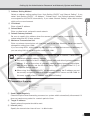
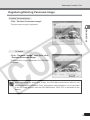
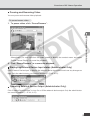
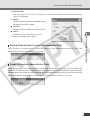
2. The Shade Correction dialog opens.
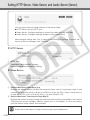
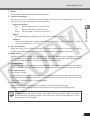
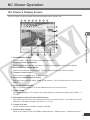
1 Shade Correction
Check this option for shade correction.
2 Shade Correction Slider
Adjust the level of shade correction.
1
2
NC Viewer and Viewer Switcher
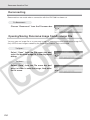
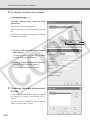
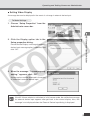
If the background of an image is bright, making the subject difficult to see, you can adjust the
contrast of the darker areas to make it easier to see. Unlike backlight compensation, the shade
correction feature allows image processing without adversely affecting the existing lighter regions.
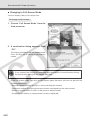
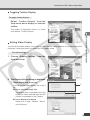
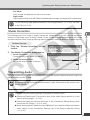
Transmitting Audio
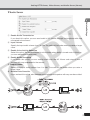
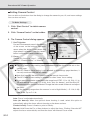
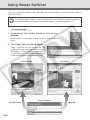
You can connect a microphone and speaker with amp to the camera and then transmit audio from
the VB-C300 to the NC Viewer.
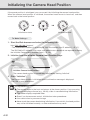
Note
Tip
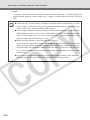
Disconnecting the LAN cable also disconnects audio. Reconnect to the camera from
the NC Viewer.
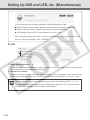
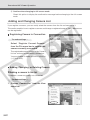
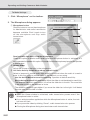
You must set the following settings in advance to transmit audio.
● Check the Enable Audio Transmission box on the Audio Server section of on the
Server settings page (→ P.1-13).
● Check the Send and receive audio box in the Connection Setting dialog when
starting the NC Viewer (→ P.3-5, 3-23).
● When starting the NC Viewer from the VBAdmin Tools, check the Send and receive
audio option on the Connection Settings tab in the Setup properties dialog
(→ P.3-31).
3-29