1
Printing Media
T-Shirt Transfers TR-201
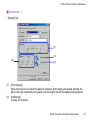
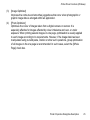
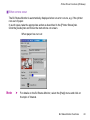
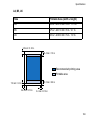
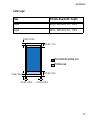
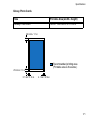
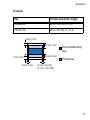
This paper is used to produce iron-on transfers. The image is printed backwards when
[Media Type] is set to T-Shirt Transfer in the printer driver.
Note
➤
For the customers in the United States, refer to the Quick Start Guide for
instructions on using TR-101 T-shirt transfers.
■ Loading
•
•
•
•
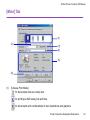
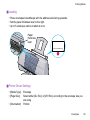
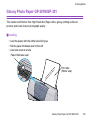
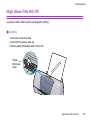
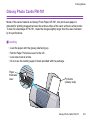
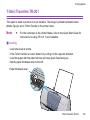
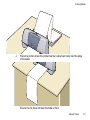
Load one sheet at a time.
If the T-shirt transfer is curled, flatten it by curling it in the opposite direction.
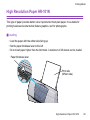
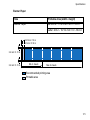
Load the paper with the side that does not have green lines facing up.
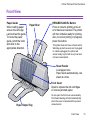
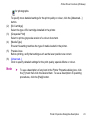
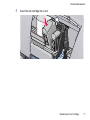
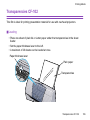
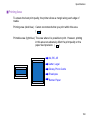
Set the paper thickness lever to the left.
Paper thickness lever
T-Shirt Transfers TR-201
108