1
1.STORE TO e-FILING (Cont.)
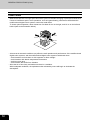
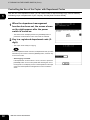
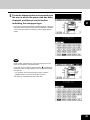
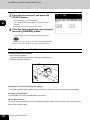
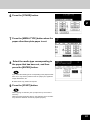
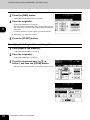
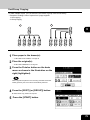
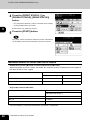
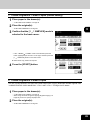
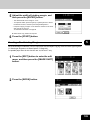
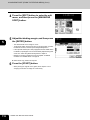
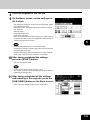
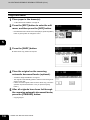
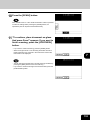
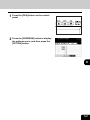
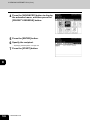
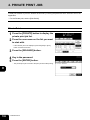
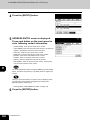
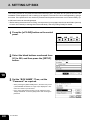
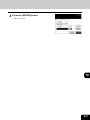
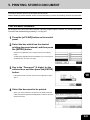
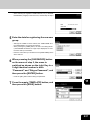
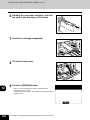
8 Press the [ENTER] button.
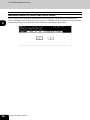
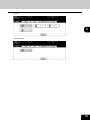
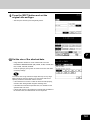
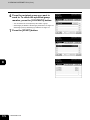
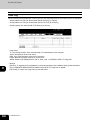
“PRINT THIS DOCUMENT?”
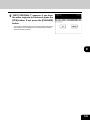
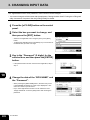
9 When
appears, press the [YES] button to store
and print the document.
6
- If you want to store the document without printing, press the [NO]
button.
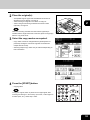
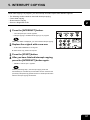
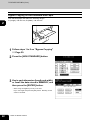
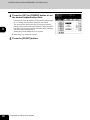
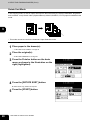
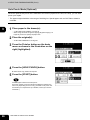
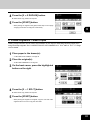
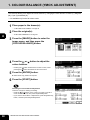
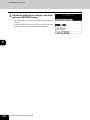
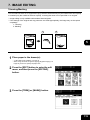
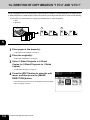
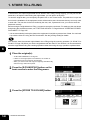
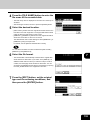
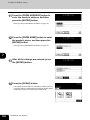
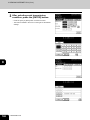
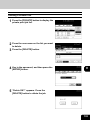
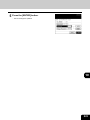
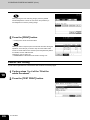
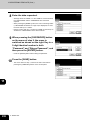
10 Press the [START] button.
- Storing the original starts.
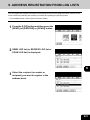
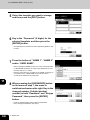
ORIGINAL?” appears. If you have
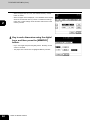
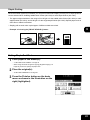
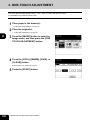
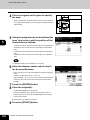
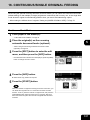
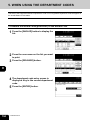
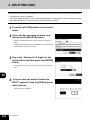
11 “NEXT
the other originals to be stored, press the
[YES] button. If not, press the [FINISHED]
button.
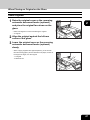
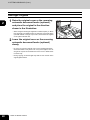
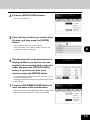
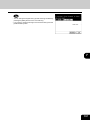
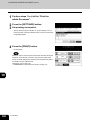
- When the original is set on the reversing automatic document
feeder (optional) to be scanned in the Continuous Feed mode,
this screen is not displayed.
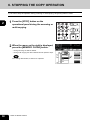
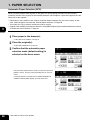
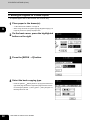
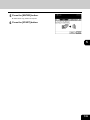
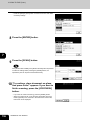
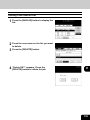
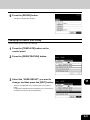
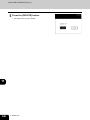
the [FUNCTION CLEAR] button to
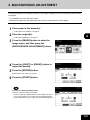
12 Press
finish this job.
142
6.STORING ORIGINALS