1
Pinging Another Device
Pinging Another
Device
223
The Ping Page allows the network administrator to sends ICMP echo
request packets to another node on the network.
Use the Ping command to see if another site on the network can be
reached. The default number of packets to send is 5, and the default
packet size is 32 bytes. Note that these parameters can be changed when
using the command line interface to ping another device.
To send ping requests to another device:
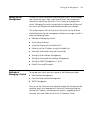
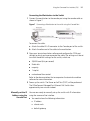
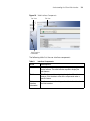
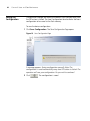
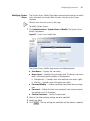
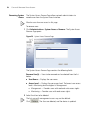
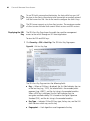
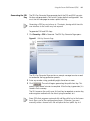
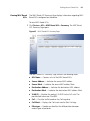
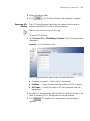
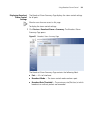
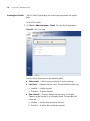
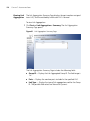
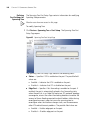
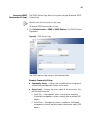
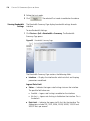
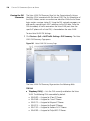
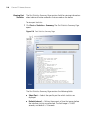
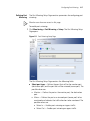
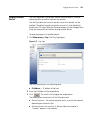
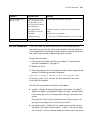
1 Click Monitoring > Ping. The Ping Page opens:
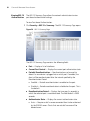
Figure 115 Ping Page
The Ping Page contains the following fields:
■
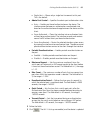
IP Address — IP address of the host.
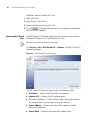
2 Enter the IP address of the target device.
3 Click
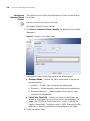
. The switch starts pinging the target device.
The following are some results of the Ping command:
■
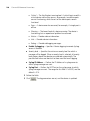
Normal response - The normal response occurs in one to ten seconds,
depending on network traffic.
■
Destination does not respond - If the host does not respond, a
“timeout” appears in ten seconds.