1
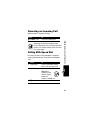
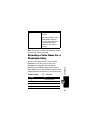
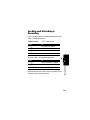
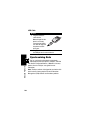
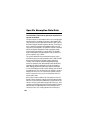
You can store these embedded object files on your phone,
and use them as screen saver images and alert tones.
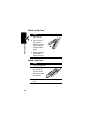
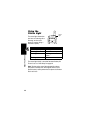
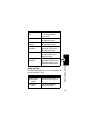
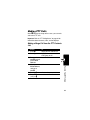
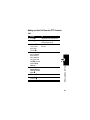
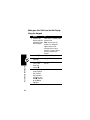
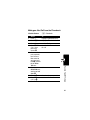
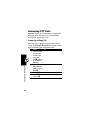
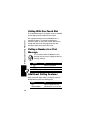
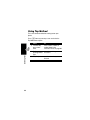
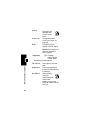
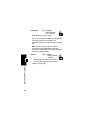
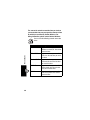
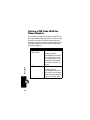
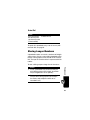
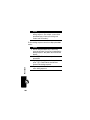
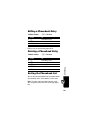
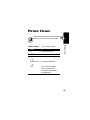
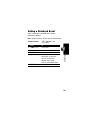
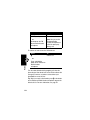
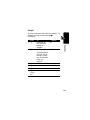
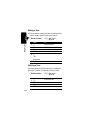
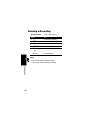
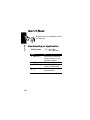
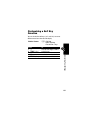
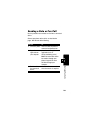
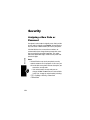
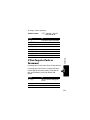
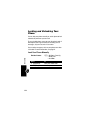
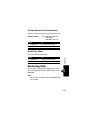
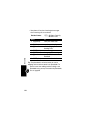
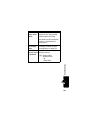
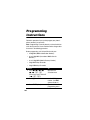
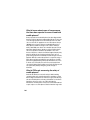
Store a Picture or Animation File
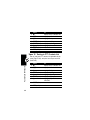
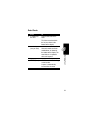
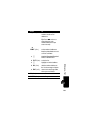
Press
1 S
2 M
3 S
4 SELECT (+)
5 S
6 SELECT (+)
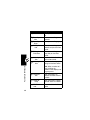
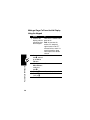
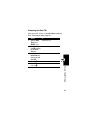
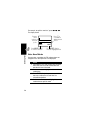
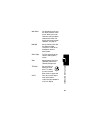
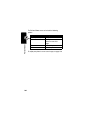
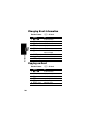
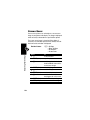
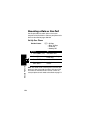
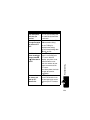
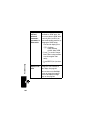
1 STORE (+)
Messages—Text
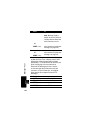
2 S
120
3 SELECT (+)
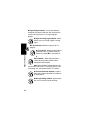
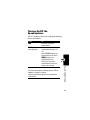
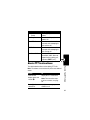
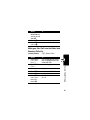
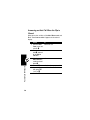
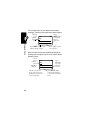
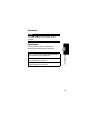
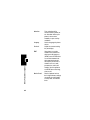
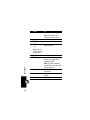
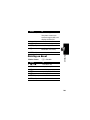
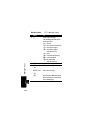
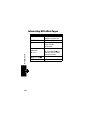
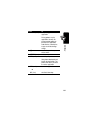
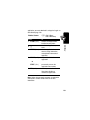
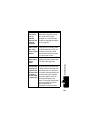
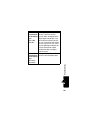
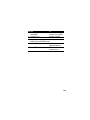
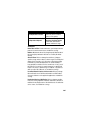
To
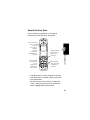
highlight the picture or
animation in the message
open the Inbox Menu
scroll to Store
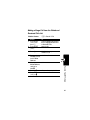
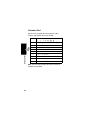
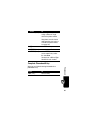
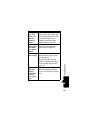
display a list of items you can
store
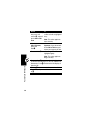
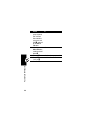
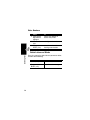
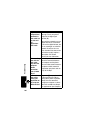
scroll to File Attachment
display the file name
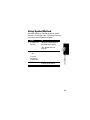
view storage options
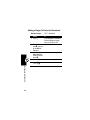
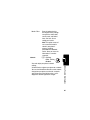
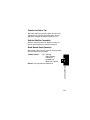
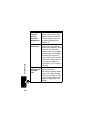
scroll to Store Only, or
Set as Screen Saver
store the file and, optionally,
set it as your screen saver
image
For more information about using pictures and animations,
see pages 103 and 158.