1
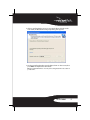
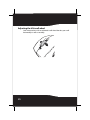
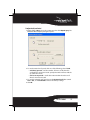
To adjust the tilt/scroll wheel:
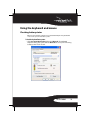
1 Right-click the Mouse icon in the system tray, then click Adjust Property. The
Bluetooth Mouse Property dialog box opens.
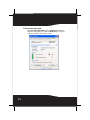
2 To set the vertical scroll speed, click one of the following, then click OK.
• Scroll x line(s) per notch—Sets the number of lines to scroll when the
scroll wheel is moved one notch. Specify the number of lines with the
up and down arrows.
• Scroll one screen per notch—Scrolls the entire window when the scroll
wheel is moved one notch.
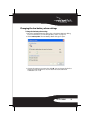
3 To set the horizontal scroll speed, move the Horizontal Scroll slider toward
Slow or Fast, or click Use Default to restore the factory settings.
4 Click OK.
RF-BTCMB02
27