1
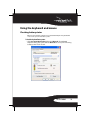
Pairing the keyboard and mouse
There are three methods for pairing the keyboard and mouse:
• “Automatic pairing in boot mode” on page 14.
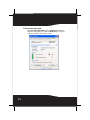
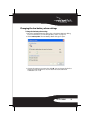
• “Pairing by using the WIDCOMM Bluetooth stack” on page 15
Automatic pairing in boot mode
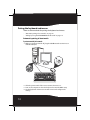
To pair automatically in boot mode:
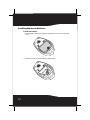
1 With your computer turned off, plug the USB Bluetooth receiver into an
available USB port.
2
OFF
ON
1
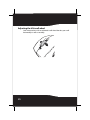
2 Slide the power switch of the mouse to turn the mouse on.
3 Turn on the computer and use the keyboard to enter the BIOS setup.
4 Use the keyboard and mouse to view the menu and configure the
settings.
14