1
Troubleshooting
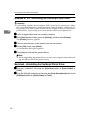
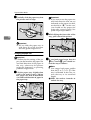
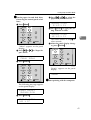
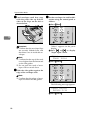
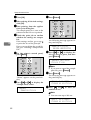
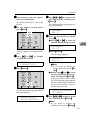
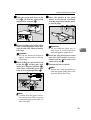
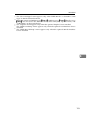
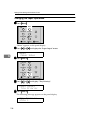
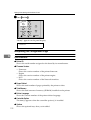
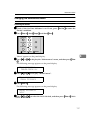
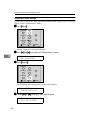
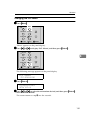
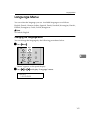
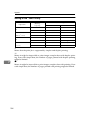
C Press {U} or {T} to set the digit of the registration value
(mm).
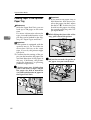
Feed direction
The vertical
The
horizonal
Printable area
TS3X001N
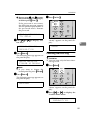
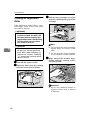
Note
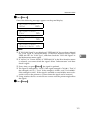
❒ Increase the value to shift the
print area to the positive direction, and decrease to shift
to the negative direction.
❒ Pressing {U} or {T} makes
the value increase or decrease by 0.5 mm step.
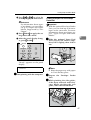
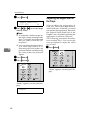
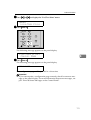
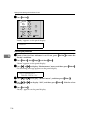
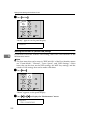
D Press {OK}
}.
5
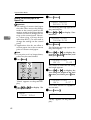
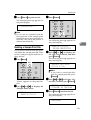
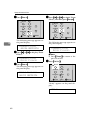
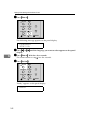
F Print the test sheet to check the
settings you have made.
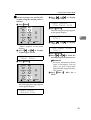
G Repeat steps C and D to adjust the
registration if necessary.
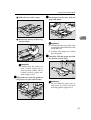
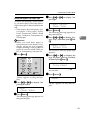
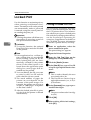
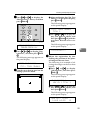
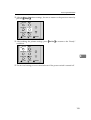
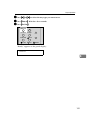
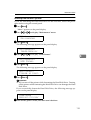
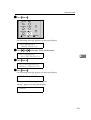
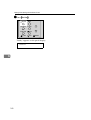
H Press {On Line}}.
On Line
Menu
Job Reset
Escape
Form Feed
Enter
Power
Error
Data In
“Ready” appears on the panel display.
Ready
100