1
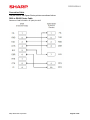
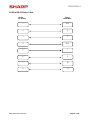
COMMUNICATIONS
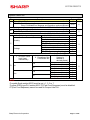
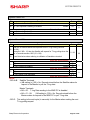
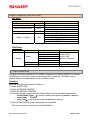
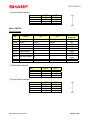
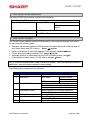
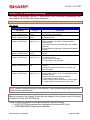
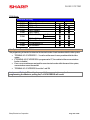
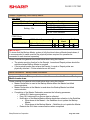
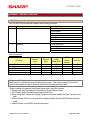
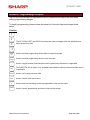
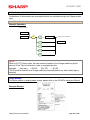
PGM-Mode:
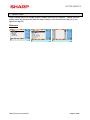
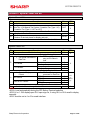
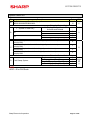
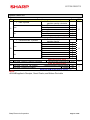
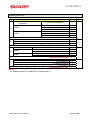
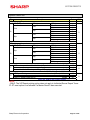
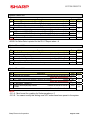
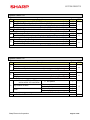
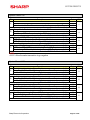
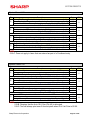
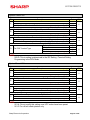
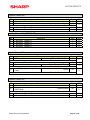
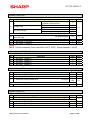
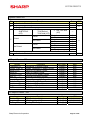
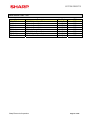
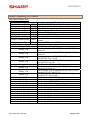
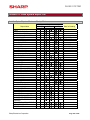
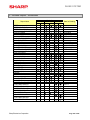
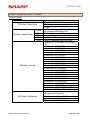
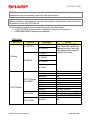
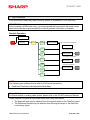
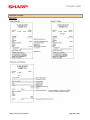
PGM Mode Job Listing
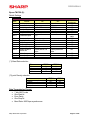
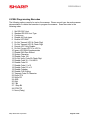
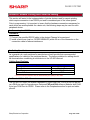
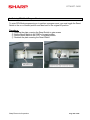
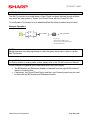
PGM2 –Mode
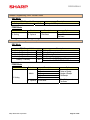
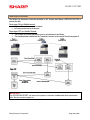
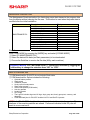
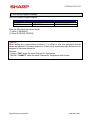
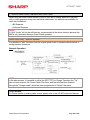
11 Online Setting
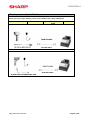
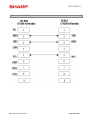
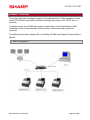
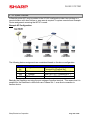
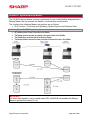
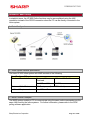
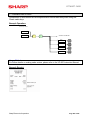
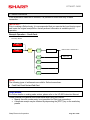
Master
Satellite
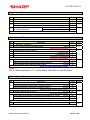
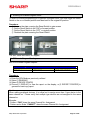
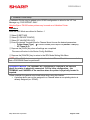
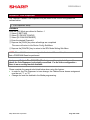
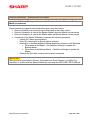
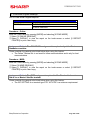
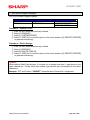
Procedure – Online:
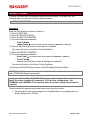
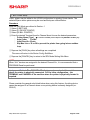
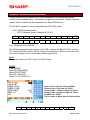
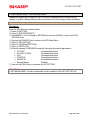
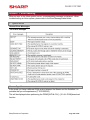
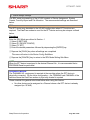
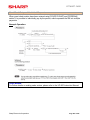
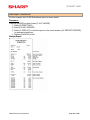
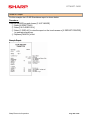
Enter the PGM2-Mode by pressing the [MODE] button and choosing [6 PGM2 MODE].
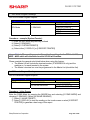
① Select [11 ONLINE SETTING]
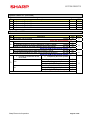
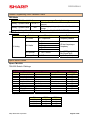
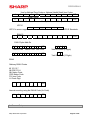
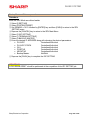
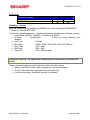
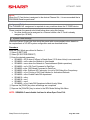
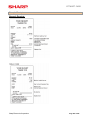
② Enter the desired parameters – usually prescribed by the application software company:
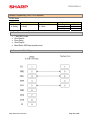
• Terminal No. (000000 – 999999) Å usually set to 000001
• CI Signal:
Non/Sensing
Å “Non” is for direct, “Sensing” is for
Modems
• Line Form:
Full/Half
• Baud Rate:
38400, 19200, 9600, 4800, 1200, 600, 300 bps
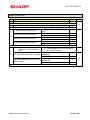
• Start Code:
(000 – 999)
• End Code:
(000 – 999)
• Time Out:
(000 – 999) seconds
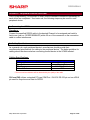
Assignment Method: The application software provider determines the settings for
Online.
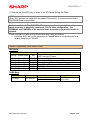
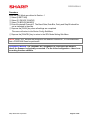
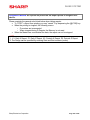
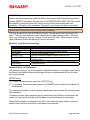
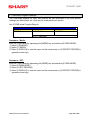
Please consider the general rules listed below when using this feature:
• When connecting a modem, data compression is not recommended
• The AT Command will be determined by the modem mfg.
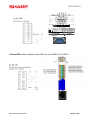
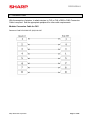
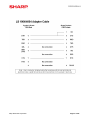
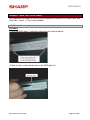
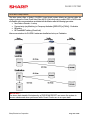
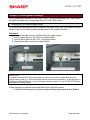
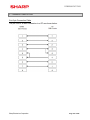
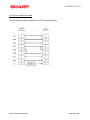
• For the Inline system, the Master terminal is connected
Sharp Electronics Corporation
Page 173 of 246