1
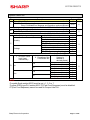
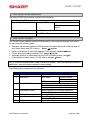
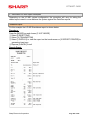
FILE ALLOCATION
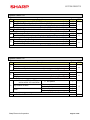
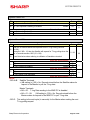
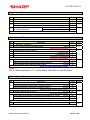
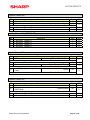
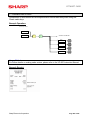
Link PLU
(File Group #32)
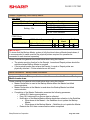
The link type PLU is used when more than one and up to five items are rung with one key
depression. Each unit price is accumulative for those PLU items associated to the link type
operation and are printed with the individual unit prices. (e.g. special menu items or
messages). To change or delete this file, enter “0” to delete or “01 – 99” as follows:
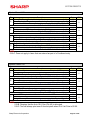
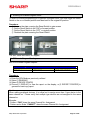
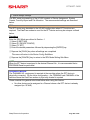
Procedure:
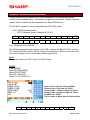
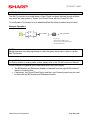
Enter the SRV-Mode as outlined in Section -1
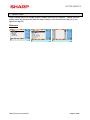
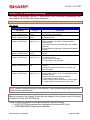
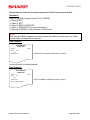
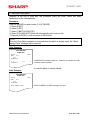
① Select [2 SETTING]
② Select [08 FILE]
③ Select [03 TABLES]
④ Select [32 LINK PLU]
⑤ Enter “0” to delete (followed by “YES” at the prompt) or enter the number of Link PLU
records and follow this by depressing the [ENTER] key.
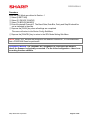
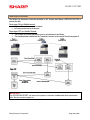
Allocation Method: File Group #32: LINK PLU tables must be allocated to the same size at
the Standalone, Master and Satellite
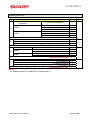
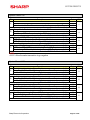
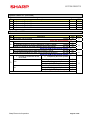
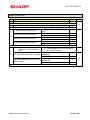
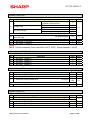
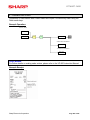
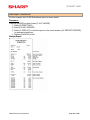
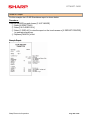
Combo Meals
(File Group #33)
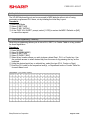
The Combo Meal Table file allocation allows for combining menu items, which exist in the
PLU item file and “bundle” them together with a different unit price. The maximum number
of PLU items that may be combined in a single table is “9”.
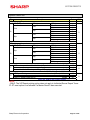
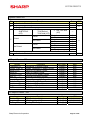
When the Combo Meal key is selected, the adjusted prices are added together and the
Combo Meal is entered at a single price based on the calculation. To change or delete this
file, enter “0” to delete or “01 – 20” as follows:
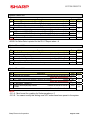
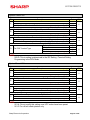
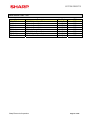
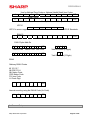
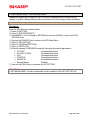
Procedure:
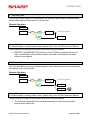
Enter the SRV-Mode as outlined in Section -1
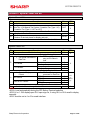
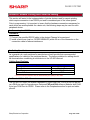
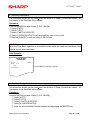
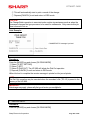
① Select [2 SETTING]
② Select [08 FILE]
③ Select [03 TABLES]
④ Select [33 COMBO MEAL]
⑤ Enter “0” to delete (followed by “YES” at the prompt) or enter the number of Combo Meal
Tables and follow this by depressing the [ENTER] key.
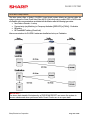
Allocation Method: File Group #33: Combo Meal tables must be allocated to the same
size at the Standalone, Master and Satellite.
Sharp Electronics Corporation
Page 56 of 246