1
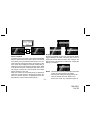
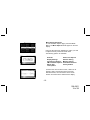
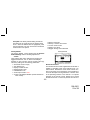
Sleep Off is the factory default setting. Rotate the
Encoder knob to toggle through the desired sleep
times. When the desired time is highlighted, press
the Encoder knob. The unit will now turn off after the
selected time has expired
Factory Default
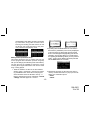
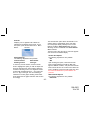
The Factory Default screen displays the text Restore
Default Settings with the following adjustments:
Yes/No
Upon entering this mode, rotating the Encoder knob
toggles between the “Yes” or “No” function/display
selection. If “Yes” is chosen, the unit reverts to the original factory settings for the following parameters:
• All Presets revert to empty
• Auto Dimming On
• Display Contrast to 50%
• Display Mode to Auto
• FM Modulator to On
• Audio Output Level to 70%
• Access to all skipped Shuttles (Locked streams remain locked)
•
•
•
•
•
Memory Search On
Memory Locations are erased
12 Hour Clock Format
Eastern Time Zone
Daylight Savings Time Observed
Factory Default
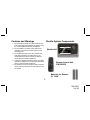
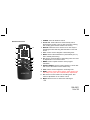
Remote Control Unit
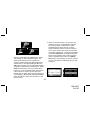
The wireless remote control supplied with the Shuttle is
capable of operating most of the features from a remote location. Each button on the remote control functions in the same way as the button on the Shuttle unit.
For a full description of a keypad button or function refer
to the preceding sections in this manual. For optimal
operation of the remote control, always aim it toward
the Remote Sensor on the front panel of the main unit.
-23-
128-6901
23 of 28