1
MD-MT888H
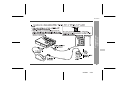
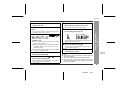
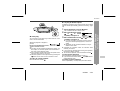
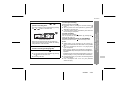
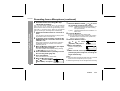
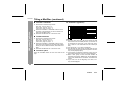
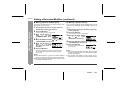
more to display "GROUP".
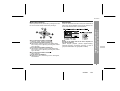
3 Press the M button.
The unit enters the menu select mode.
4 Move the M button toward
or
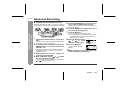
to select "G(GrSELECT)" and press it.
5 Move the M button toward
or
to select the
group you want to add tracks to and press it.
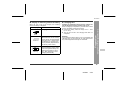
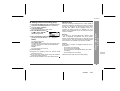
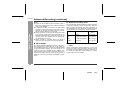
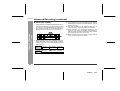
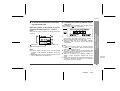
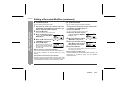
NEWGr
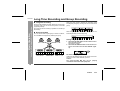
To create a new group.
Gr01, Gr02, Gr03...
To add tracks to an existing group. (If the group name
has been recorded, the name will be displayed instead of "Gr01".)
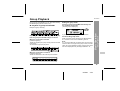
NonGr
To record tracks as non-group.
6 Start recording.
z Complete the operation within 25 seconds whilst
selecting the menus.
z If you press the CLEAR button during the operation,
the previous display appears.
z To cancel the operation, move the M button toward .
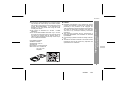
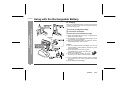
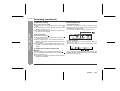
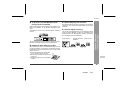
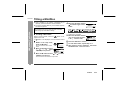
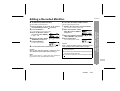
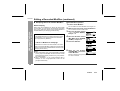
After any recording or editing function, "TOC" (Table Of
Contents) is displayed. To finalise the recording or editing
function, turn the power off. During this process "TOC"
will flash and "T-EDIT" will be displayed. During any
recording or editing function, the MiniDisc unit lid is
locked, and the MiniDisc cannot be removed until the
process is finalised.
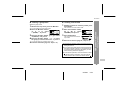
Warning:
If the power is removed (Battery/AC adaptor) whilst
"TOC" is displayed, the MiniDisc unit lid will remain
locked until the battery/main power is restored and the
unit is turned on. Your new recordings or edited changes
will be lost and your MiniDisc may become unusable.
Caution:
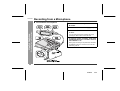
Whilst "TOC" or "T-EDIT" is displayed, follow the instructions below.
- Do not jerk or bump the unit.
- Do not unplug the AC adaptor.
- Do not remove the rechargeable battery or an alkaline battery.
- Do not subject the unit to shock.
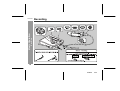
-Recording-
1 Hold down the REC button for 2 seconds or more.
2 Hold down the GROUP button for 1 second or
About the TOC
Basic Operation
„ Adding tracks to an existing group
Otherwise, tracks may not be recorded properly.
21
01/8/30
3.fm