1
Playback : continued
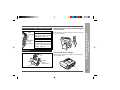
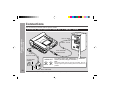
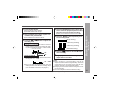
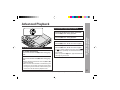
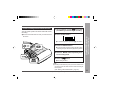
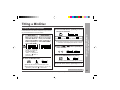
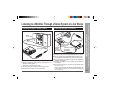
Plug the remote control into the
on the unit.
3
Insert a MiniDisc (page 17).
4
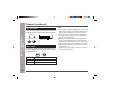
Press the 06 button.
socket
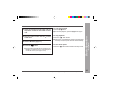
To interrupt playback
Press the 06 button.
● To resume playback, press the 06 button again.
To stop playback
Press the • ■ / :OFF button.
● If the unit is not operated for at least 2 minutes whilst
in the stop mode, the power will shut off automatically.
To turn off the power
Press the • ■ / :OFF button whilst in the stop mode.
● Playback starts automatically with a playback only
MiniDisc or a MiniDisc which is protected against
accidental erasure (Auto-play function).
Web-site: www.sharp.co.uk/support
Help Line: 08705 274277 (office hours)
25
– Playback –
2
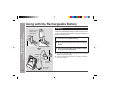
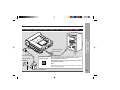
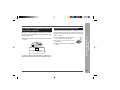
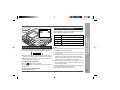
Insert the earphones plug firmly into the
earphones socket on the remote control
unit.
Basic Operation
1