1
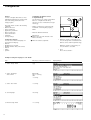
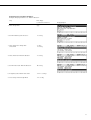
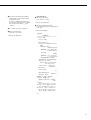
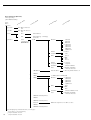
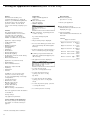
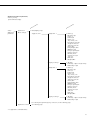
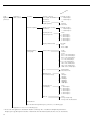
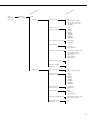
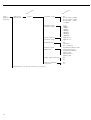
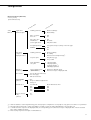
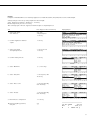
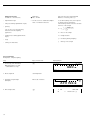
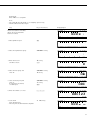
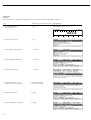
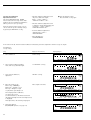
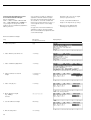
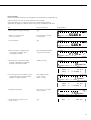
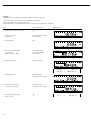
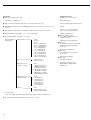
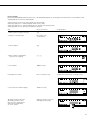
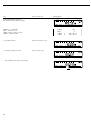
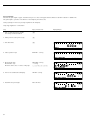
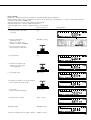
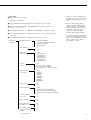
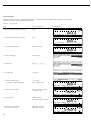
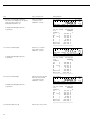
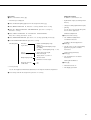
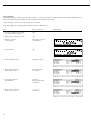
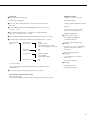
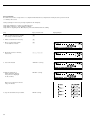
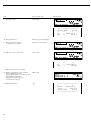
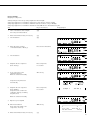
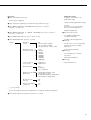
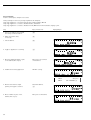
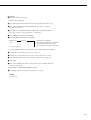
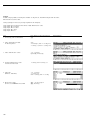
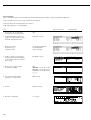
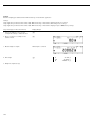
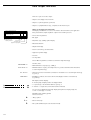
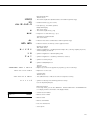
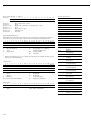
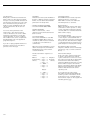
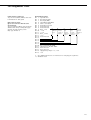
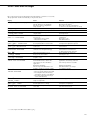
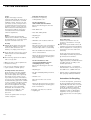
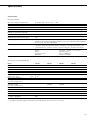
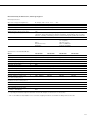
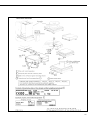
Navigating in the Setup Menu (Examples):
Example: Adapting the balance to “Extreme vibration”
Step
Press key(s)
(or follow instructions)
1. Select Setup menu
H
2. Confirm “Balance/scale functions”
O soft key
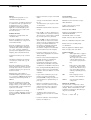
3. Select menu item “Adapt filter”
and confirm
q, then
O soft key
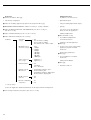
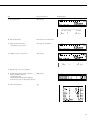
4. Select menu item “Extreme vibration”
q soft key
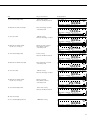
5. Confirm menu item “Extreme vibration”
l soft key
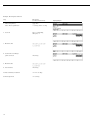
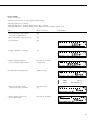
6. If required, select further menu items
oqQO soft keys
7. Save setting and exit Setup Menu
oo soft key
Display/Output
13