1
ESPAÑOL
ENGLISH
Getting to Know Your Camcorder
Conozca su videocámara
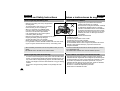
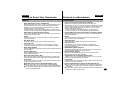
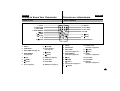
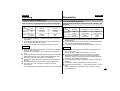
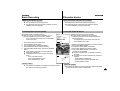
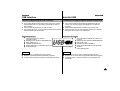
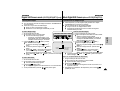
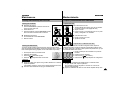
How to use the Remote Control
Cómo utilizar el mando a distancia
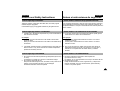
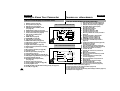
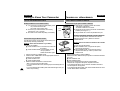
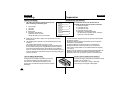
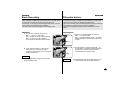
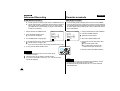
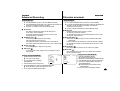
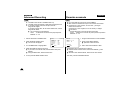
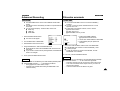
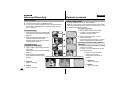
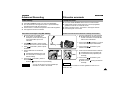
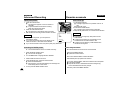
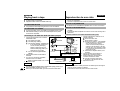
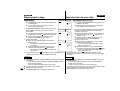
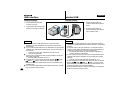
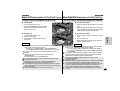
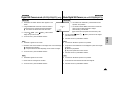
Battery Installation for the Remote Control
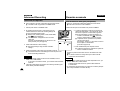
✤ You must insert or replace the lithium battery when:
- You purchase the camcorder.
- The remote control doesn’t work.
✤ Ensure that you insert the lithium cell correctly,
following the + and – markings.
✤ Be careful not to reverse the polarity of the battery.
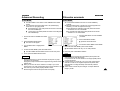
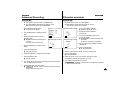
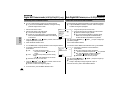
Instalación de la pila para el mando a distancia
✤ Debe insertar o cambiar la pila de litio cuando:
- Adquiera la videocámara.
- El mando a distancia no funcione.
✤ Asegúrese de que inserta la pila de litio correctamente,
indicado por los signos + y -.
✤ Tenga cuidado de no invertir la polaridad de la pila.
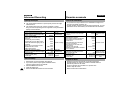
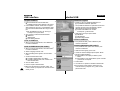
START/
STOP
SELF
TIMER
SELF
TIMER
PHOTO
ZERO
MEMORY
DISPLAY
WIDE
A.DUB
TELE
STILL
X2
SLOW
F.ADV
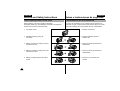
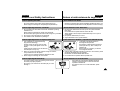
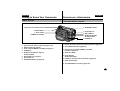
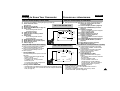
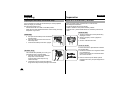
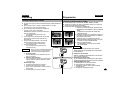
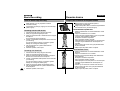
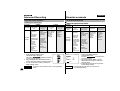
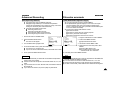
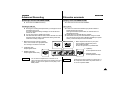
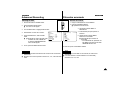
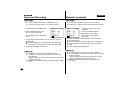
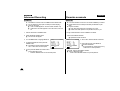
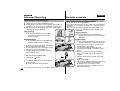
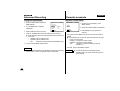
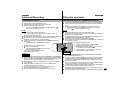
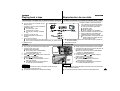
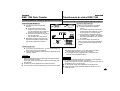
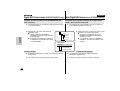
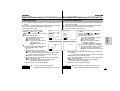
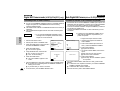
Self Record using the Remote Control
The Self-Timer function on the remote control allows you to
start and stop recording automatically.
Example: Scene with all members of your family
Two options are available
■ WAIT-10S/SELF-30S: 10 seconds wait, 30 seconds
of recording.
■ WAIT-10S/SELF-END: 10 seconds wait, records
until you press the
START/STOP button again.
18
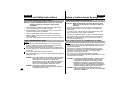
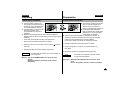
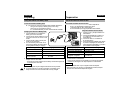
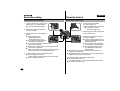
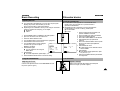
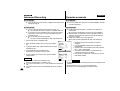
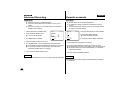
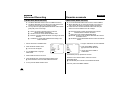
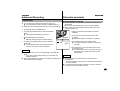
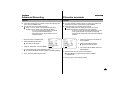
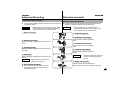
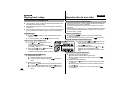
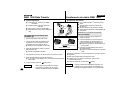
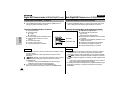
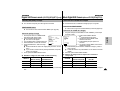
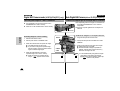
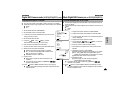
1. Set the camcorder to CAMERA mode.
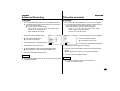
2. Press the SELF TIMER button until the appropriate indicator is
displayed in the viewfinder :
■ WAIT-10S/SELF-30S
■ WAIT-10S/SELF-END
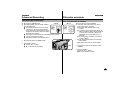
3. Press the START/STOP button to start the timer.
: After a 10 second wait, recording starts.
: If you have selected SELF-30S, recording stops automatically after 30
seconds.
: If you have selected SELF-END, press START/STOP again when you
wish to stop recording.
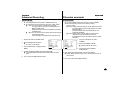
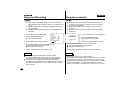
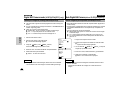
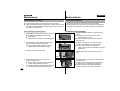
Filmación automática utilizando el mando a distancia
La función del temporizador automático del mando a
distancia le permite iniciar y detener la filmación
automáticamente.
Ejemplo: Escena con todos los miembros de su familia
Hay dos opciones disponibles
■ WAIT-10S/SELF-30S: 10 segundos de espera,
30 segundos de filmación.
■ WAIT-10S/SELF-END: 10 segundos de espera y
después filma hasta que vuelve a pulsar la tecla
START/STOP.
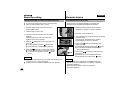
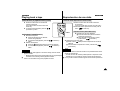
1. Ponga la videocámara en modo CAMERA.
2. Pulse la tecla SELF TIMER hasta que aparezca el indicador adecuado
en el visor:
■ WAIT-10S/SELF-30S
■ WAIT-10S/SELF-END
3. Pulse la tecla START/STOP para iniciar el temporizador.
: Después de 10 segundos de espera, empieza la filmación.
: Si ha seleccionado SELF-30S, la filmación se detiene automáticamente después de 30 segundos.
: Si ha seleccionado SELF-END, pulse la tecla START/STOP de nuevo
cuando desee detener la filmación.