1
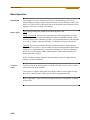
Set Display Preferences
Set Display Preferences
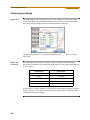
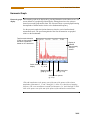
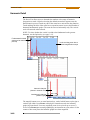
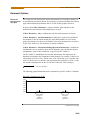
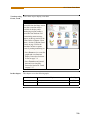
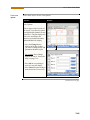
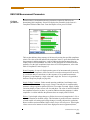
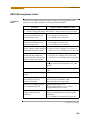
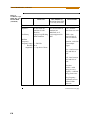
LCD settings
User programmable settings for the LCD screen include the backlight timer, contrast,
password protect, parameter/channel colors, and touch screen calibration.
Action...
Result...
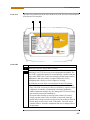
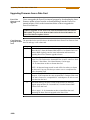
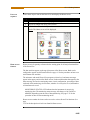
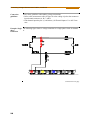
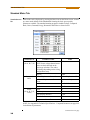
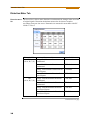
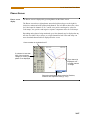
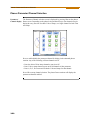
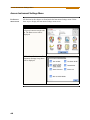
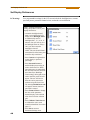
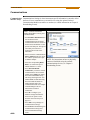
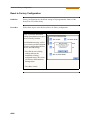
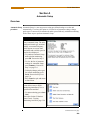
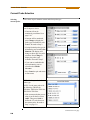
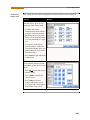
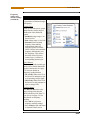
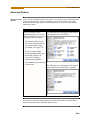
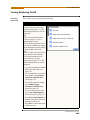
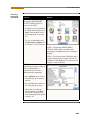
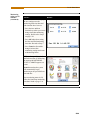
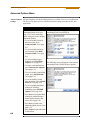
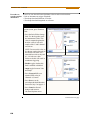
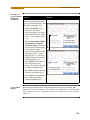
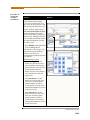
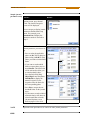
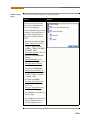
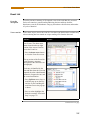
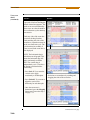
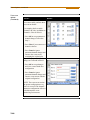
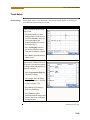
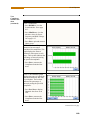
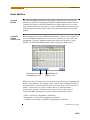
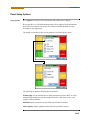
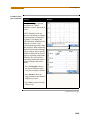
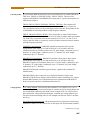
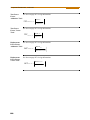
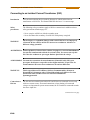
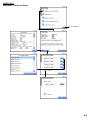
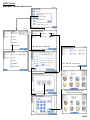
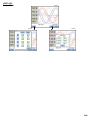
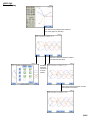
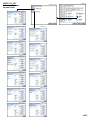
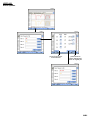
STEP 1: From the Instrument
Settings Setup Menu screen, press
Display Preferences.
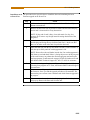
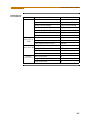
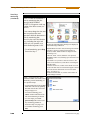
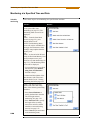
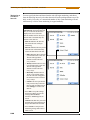
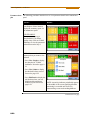
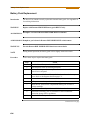
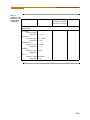
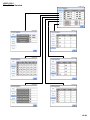
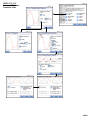
• Automatic backlight shutoff
timer is provided for the LCD
display. Press Backlight Timer
to automatically turn off
backlight after 1, 2, 5, 10 or 15
minutes of no user activity. Set
the Backlight Timer to Always
On if you do not want the
backlight to shut off.
NOTE: The auto-shutoff feature
extends the life of the battery and
should be duly considered.
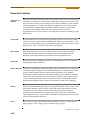
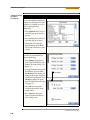
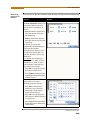
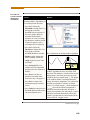
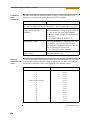
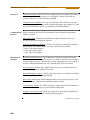
• Press Contrast to brighten/dim
screen display to preferred
percentage.
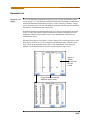
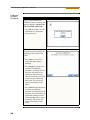
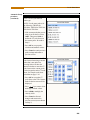
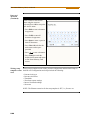
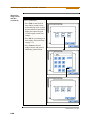
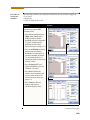
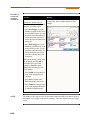
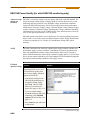
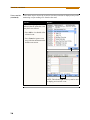
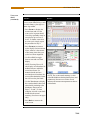
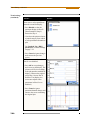
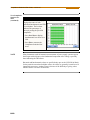
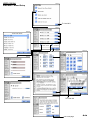
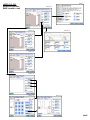
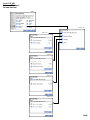
• Press Password Protect to
enable/disable password log in
code to the PowerVisa. When
password protect is enabled and
the user reactivates the unit from
auto-shutoff (see Backlight
Timer setting), the keypad screen
used to enter the password will
appear. The user will have to
enter the correct password to
continue using the PowerVisa.
The message Invalid Password!
will appear when an incorrect
password is entered.
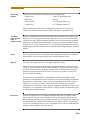
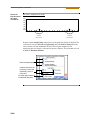
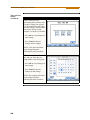
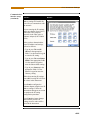
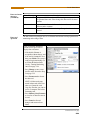
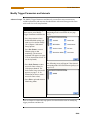
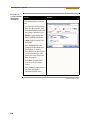
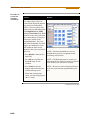
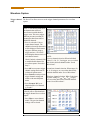
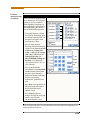
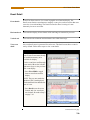
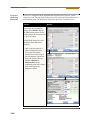
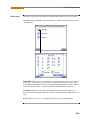
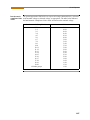
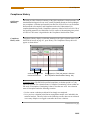
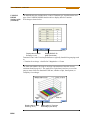
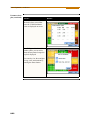
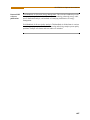
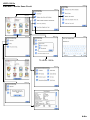
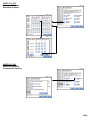
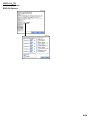
• Press Channel Colors to change
the color of the parameter/
channel display. Select desired
color from a 28 color selection
grid.
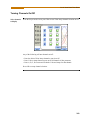
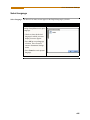
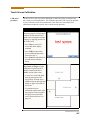
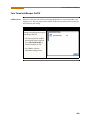
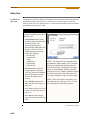
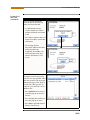
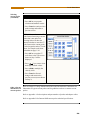
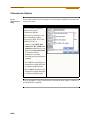
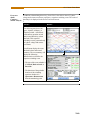
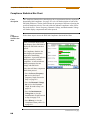
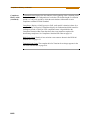
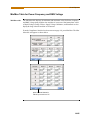
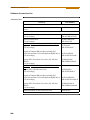
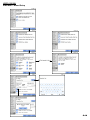
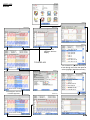
• Press Calibrate Touch Screen
to calibrate the unit’s touch
screen functionalities. Proceed to
page 4-7.
• Press Exit to return to
Instrument Settings menu.
4-6
MARK156