1
1. Basics
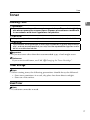
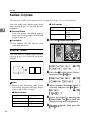
Turning on the Power
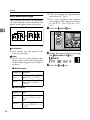
To turn the machine on, press the operation switch.
Note
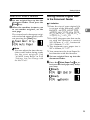
❒ This machine automatically enters Energy Saver mode or turns itself off if you
do not use the machine for a while. See “6.Auto Off Timer” in the System Settings manual.
- Power switches
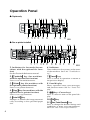
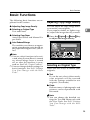
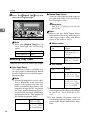
This machine has two power switches.
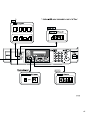
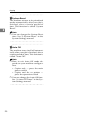
❖ Operation switch (right side of the operation panel)
Press this switch to activate the machine. When the machine has warmed up,
you can make copies.
❖ Main power switch (left side of the machine)
When the machine is not to be used for an extended period of time, turn off
the main power switch.
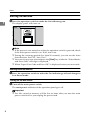
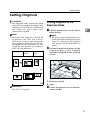
Turning on the Main Power
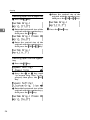
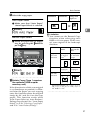
A Make sure that the power cord is firmly plugged into the wall outlet.
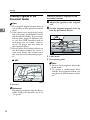
B Turn on the main power switch.
The main power indicator on the operation panel goes on.
7