1
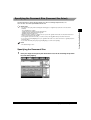
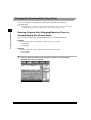
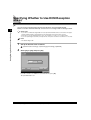
Erasing a Specified Destination (Erase)
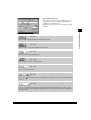
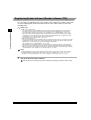
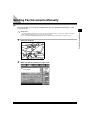
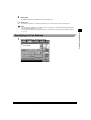
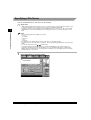
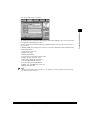
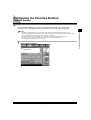
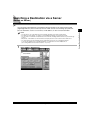
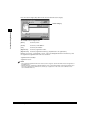
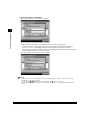
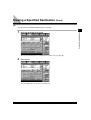
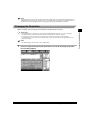
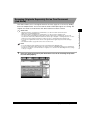
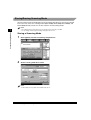
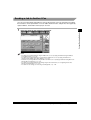
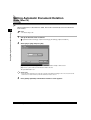
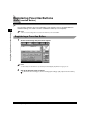
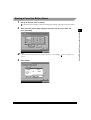
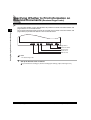
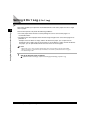
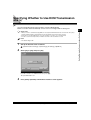
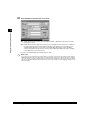
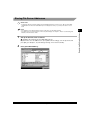
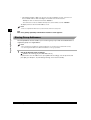
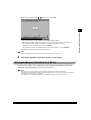
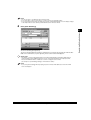
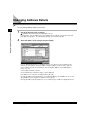
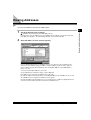
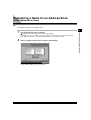
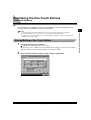
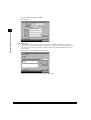
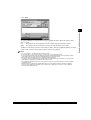
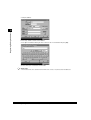
You can erase the specified destination before scanning.
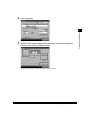
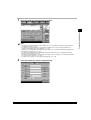
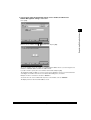
1
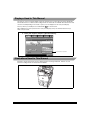
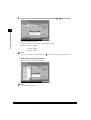
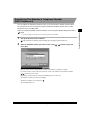
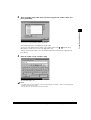
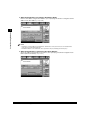
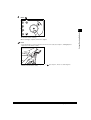
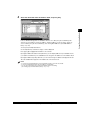
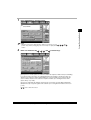
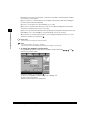
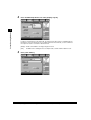
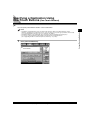
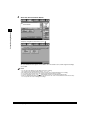
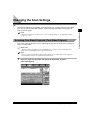
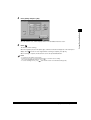
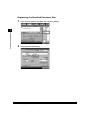
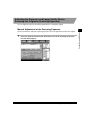
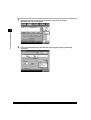
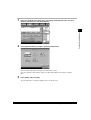
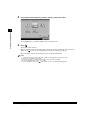
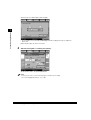
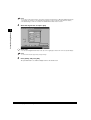
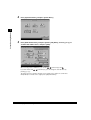
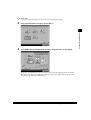
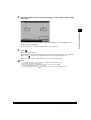
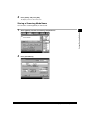
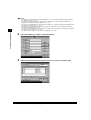
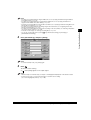
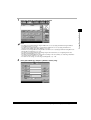
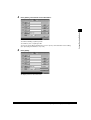
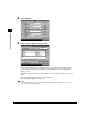
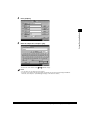
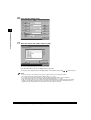
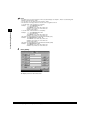
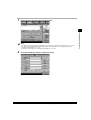
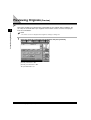
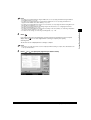
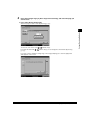
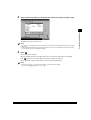
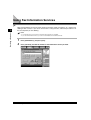
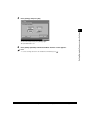
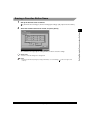
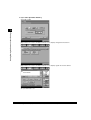
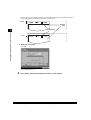
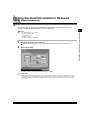
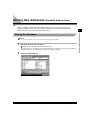
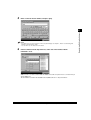
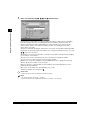
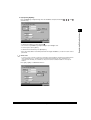
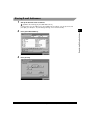
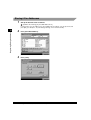
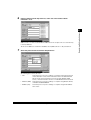
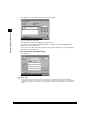
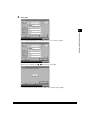
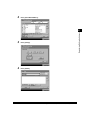
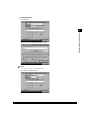
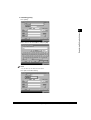
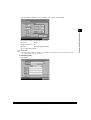
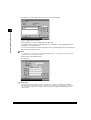
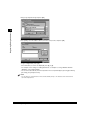
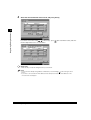
Select the destination to be erased.
Various Sending Methods
1
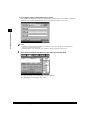
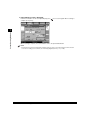
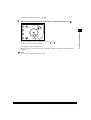
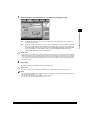
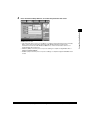
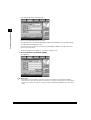
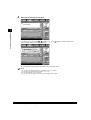
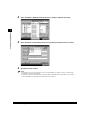
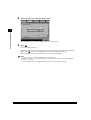
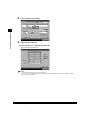
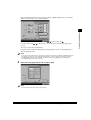
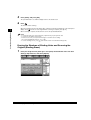
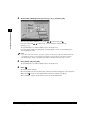
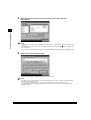
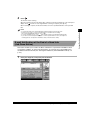
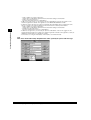
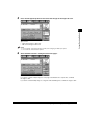
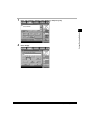
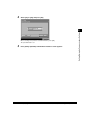
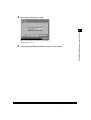
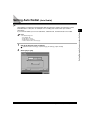
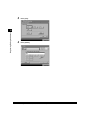
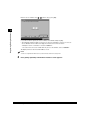
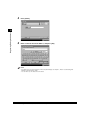
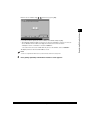
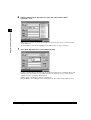
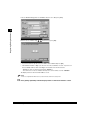
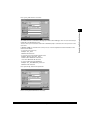
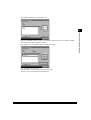
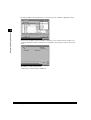
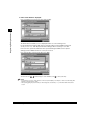
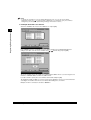
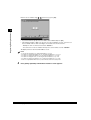
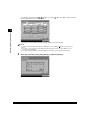
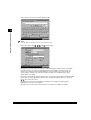
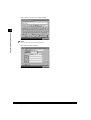
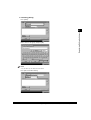
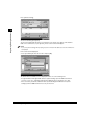
When the desired destination is not displayed in the address list, press [▼] or [▲].
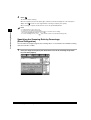
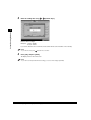
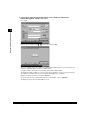
2
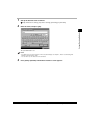
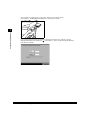
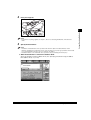
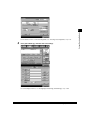
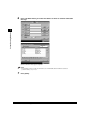
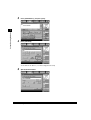
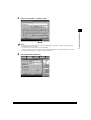
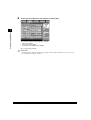
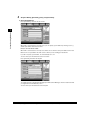
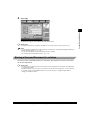
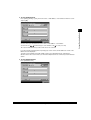
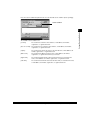
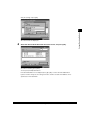
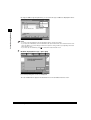
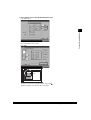
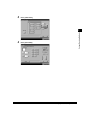
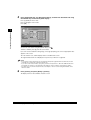
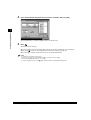
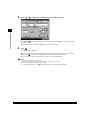
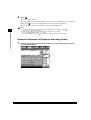
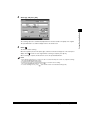
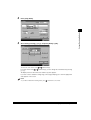
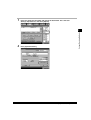
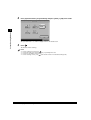
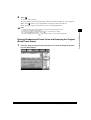
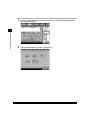
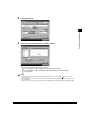
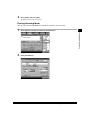
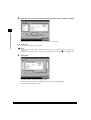
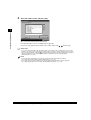
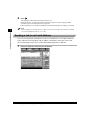
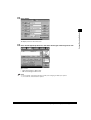
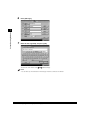
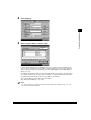
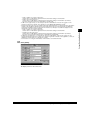
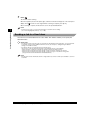
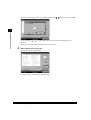
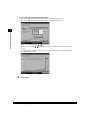
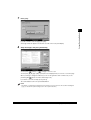
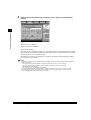
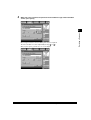
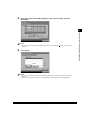
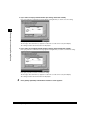
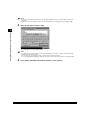
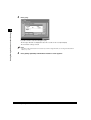
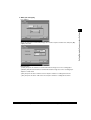
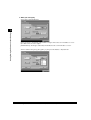
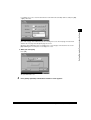
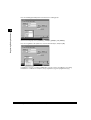
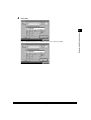
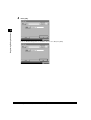
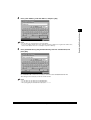
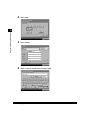
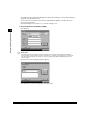
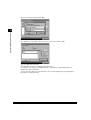
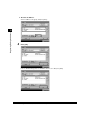
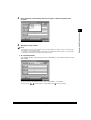
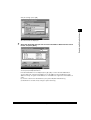
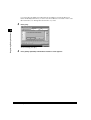
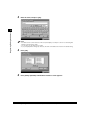
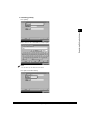
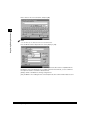
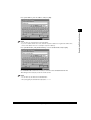
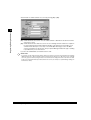
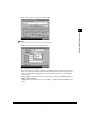
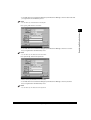
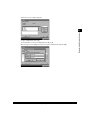
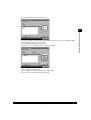
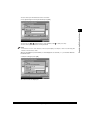
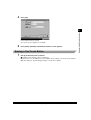
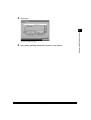
Press [Erase].
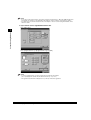
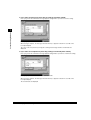
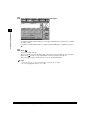
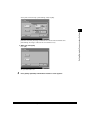
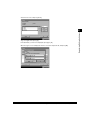
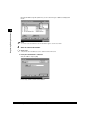
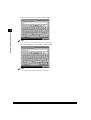
The selected destination is erased from the address list.
Erasing a Specified Destination (Erase)
1-75