1
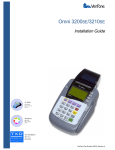
Omni 3200M Installation Guide
General Features
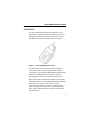
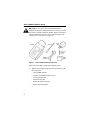
With the Omni 3200M terminal lying on a flat surface and
facing toward you, please note the following features:
•
In the center of the terminal, a display screen with a nonremovable, clear protective lens.
•
24 keys, arranged in groups (see Figure 3):
•
–
A 12-key, telephone-style keypad
–
Eight function keys (four to the right of the 12-key
keypad, and four above the keypad)
–
Four ATM-style keys to the right of the display
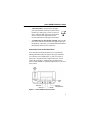
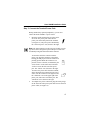
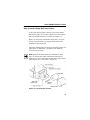
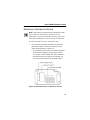
A magnetic stripe card reader, built in to the
right side of the terminal. A graphical icon,
shown to the right, indicates the proper card
position and swipe direction (see Figure 4).
Figure 4
6
Using the Magnetic Stripe Card Reader