1
Document Revision 1
Electra Elite IPK II
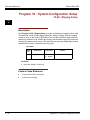
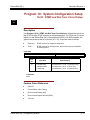
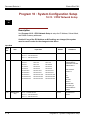
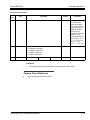
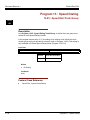
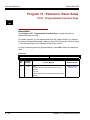
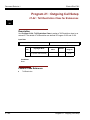
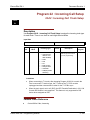
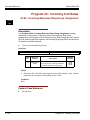
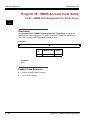
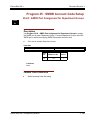
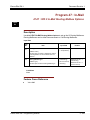
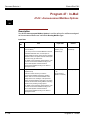
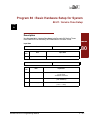
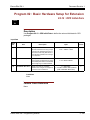
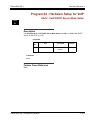
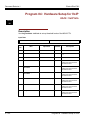
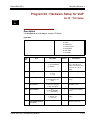
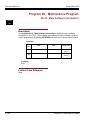
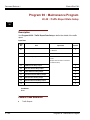
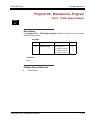
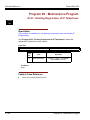
Program 30 : DSS/DLS Console Setup
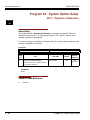
30-02 : DSS Console Extension Assignment
Level:
IN
Description
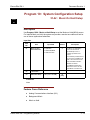
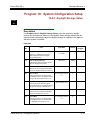
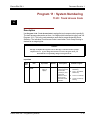
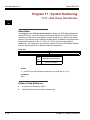
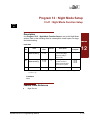
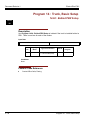
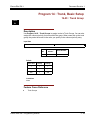
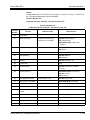
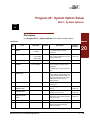
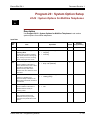
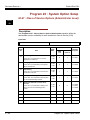
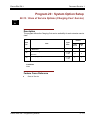
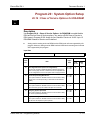
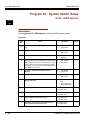
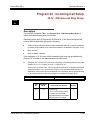
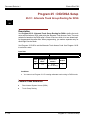
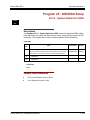
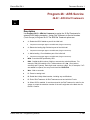
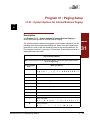
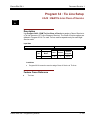
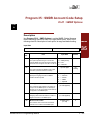
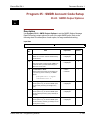
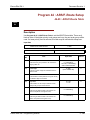
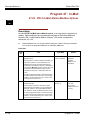
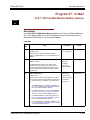
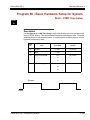
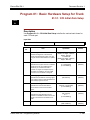
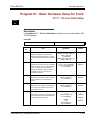
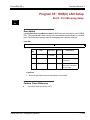
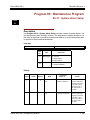
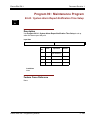
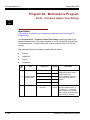
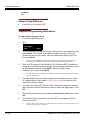
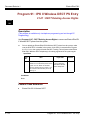
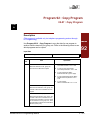
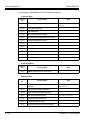
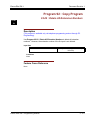
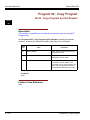
Use Program 30-02 : DSS Console Extension Assignment to identify which
extensions have DSS Consoles connected.
J
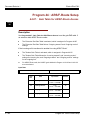
Up to 32 different extensions with DSS Consoles can be set up. A single extension
can have up to four 60-button DSS Consoles (32 is the maximum allowed per
system).
When programming, each extension/DSS Console(s) combination is called a Console
Number. There are 32 Console Numbers (1~32). Console Numbers can be assigned
to extensions. When entering data, the assignment for Console Number 1 is normally
made first.
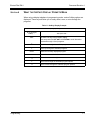
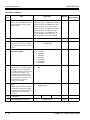
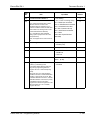
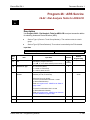
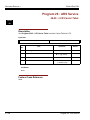
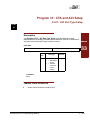
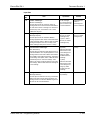
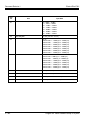
Input Data
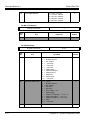
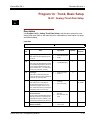
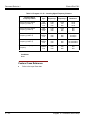
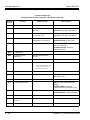
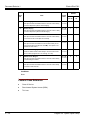
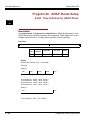
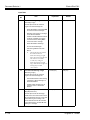
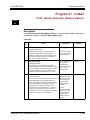
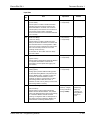
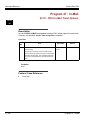
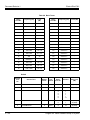
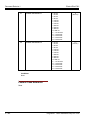
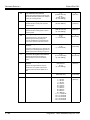
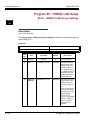
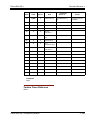
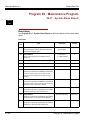
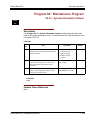
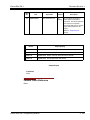
60-button DSS Console Number
Item
No.
01
Item
Extension Number
01~32
Description
Default
The extension number for the multiline terminal
connected with the DSS console (up to 8 digits)
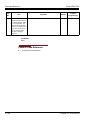
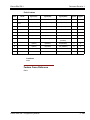
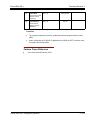
No
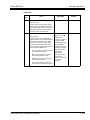
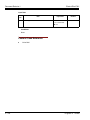
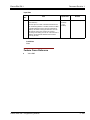
Setting
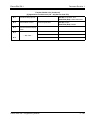
Conditions
None
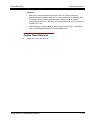
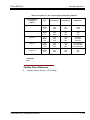
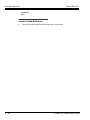
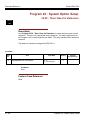
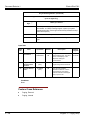
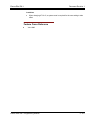
Feature Cross Reference
J
2 - 296
Direct Station Selection (DSS) Console
Program 30 : DSS/DLS Console Setup