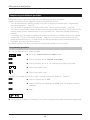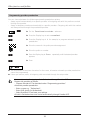
1
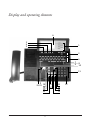
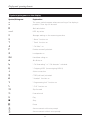
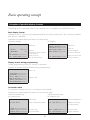
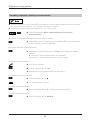
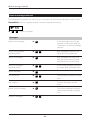
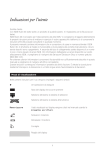
Display and operating elements
A
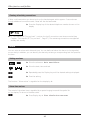
Display
B
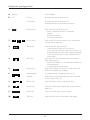
LED
8-Line display
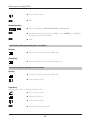
LED on:
Answering machine switched on
LED flashes:
Answering machine switched on
Message waiting on answering machine.
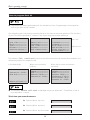
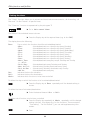
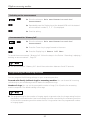
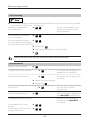
Display keys
Press one of the Display keys to:
– select a displayed name or telephone
number
– activate a function
– branch to a submenu.
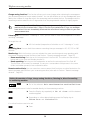
Cursor keys
Press one of the cursor keys to scroll the display
horizontally or vertically.
3
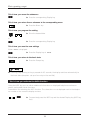
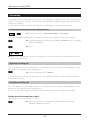
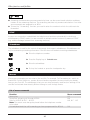
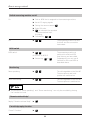
Menu key
4
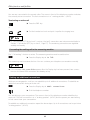
INFO key
5
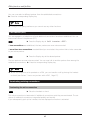
Escape key
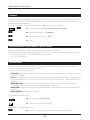
Press the Menu key to branch:
– From the basic state into the menus.
(Each time you press this key the next menu is
activated until the basic state is again displayed)
– From a submenu back to the corresponding
main menu.
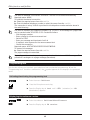
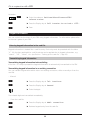
Press the INFO key, followed by the corresponding Display key, to
– obtain information on the displayed telephone
numbers/name
– activate additional functions.
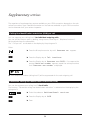
Press the Escape key to branch to the basic state
without activating any changes.
1
KK
2
F
6
G
H
E
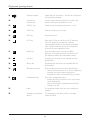
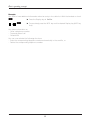
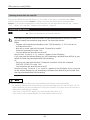
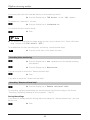
Alphanumeric
keypad
The alphanumeric keypad permits you to
enter letters and special characters such as period,
comma, semicolon, etc.
7
Return key
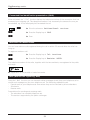
Press the Return key to change the line.
8
Delete key
Press the Delete key to delete the entered letters,
digits, etc.
9
Space key
Press the Space key to enter a blank.
Shift key
Press the Shift key to enter upper case letters.
Q
W
A
I
?
E
S
Y
10
E
D
X
shift
X
del
shift
iii