1
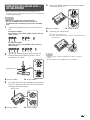
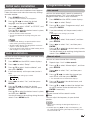
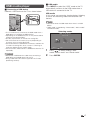
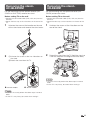
Attaching the stand unit —
60LE630M
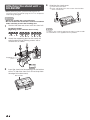
4
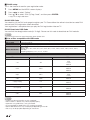
Attaching the stand cover.
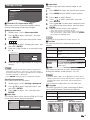
1 Insert the stand cover.
2 Insert and tighten four short screws into the holes
of the stand cover.
• Before performing work, spread cushioning over the
surface on which you will be laying the TV. This will prevent
it from being damaged.
CAUTION
• Attach the stand in the correct direction.
• Be sure to follow the instructions. Incorrect installation
of the stand may result in the TV falling over.
1
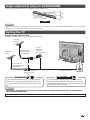
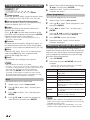
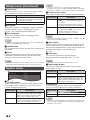
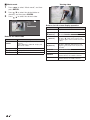
Confirm that there are screws with the stand unit.
For 60 inch models
(Eight long screws and four short screws)
2
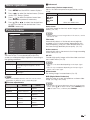
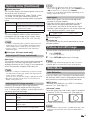
Attach the supporting post for the stand unit
onto the base using the long screws with a
screwdriver as shown.
Supporting
post
Front
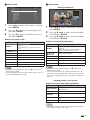
3
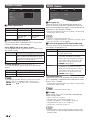
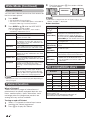
Insert the stand into the openings on the bottom
of the TV (hold the stand so it will not drop from
the edge of the base area).
Soft cushion
4
NOTE
• To detach the stand unit, perform the steps in reverse order.
• A screwdriver is not supplied with this product.