1
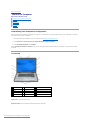
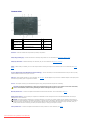
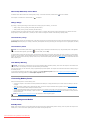
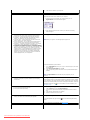
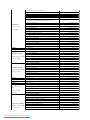
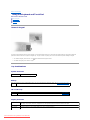
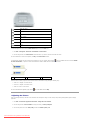
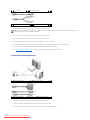
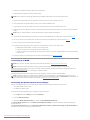
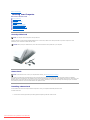
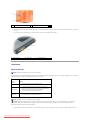
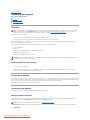
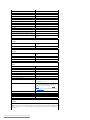
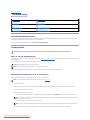
display — For more information about your display, see Using the Display.
power button — Press to turn on the computer or to enter or exit a power management mode. For more information on power management modes, see
Power Management Modes.
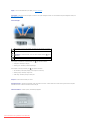
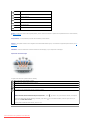
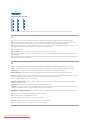
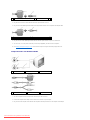
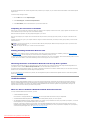
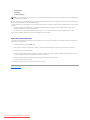
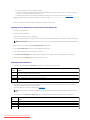
device status lights
Turns on when you turn on the computer, and blinks when the computer is in a power
management mode.
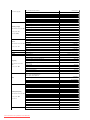
Turns on when the computer reads or writes data.
NOTICE: To avoid loss of data, never turn off the computer while the
flashing.
light is
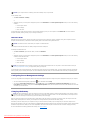
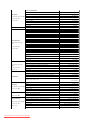
Turns on steadily or blinks to indicate battery charge status.
If the computer is connected to an electrical outlet, the
l
Solid green: The battery is charging.
l
Flashing green: The battery is almost fully charged.
If the computer is running on a battery, the
light operates as follows:
light operates as follows:
l
Off: The battery is adequately charged (or the computer is turned off).
l
Flashing orange: The battery charge is low.
l
Solid orange: The battery charge is critically low.
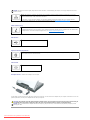
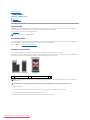
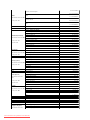
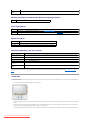
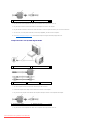
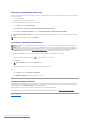
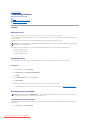
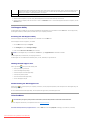
touch pad — Provides the functionality of a mouse.
touch-pad scroll zone — Provides the functionality of the scroll button on a mouse. A vertical scroll zone is located on the right side of the touch pad. A
horizontal scroll zone is located on the bottom of the touch pad.
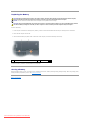
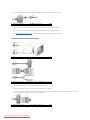
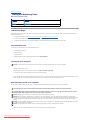
media control buttons — Control CD, DVD, and Media Player playback.
Downloaded from LpManual.com Manuals