1
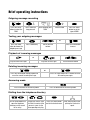
Key assignment
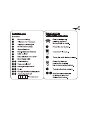
Key assignment
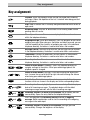
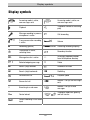
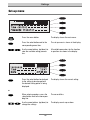
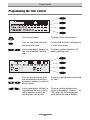
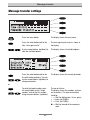
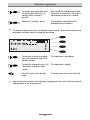
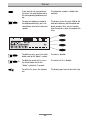
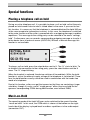
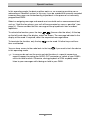
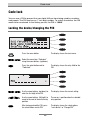
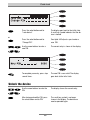
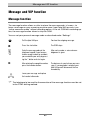
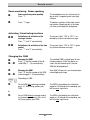
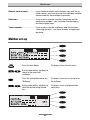
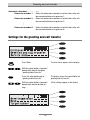
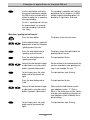
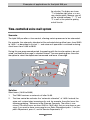
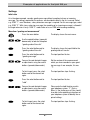
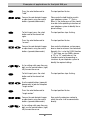
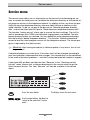
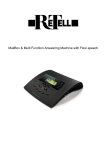
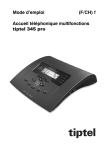
Playback: Starts the playback of new and not yet played back incoming
messages. Allows the repetition of the last 3 seconds when being pressed
during playback.
Stop: Stops a function that is currently being executed and serves to exit an
open menu.
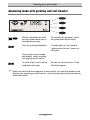
Answering mode: Activates or de-activates the answering mode and the
greeting and call transfer.
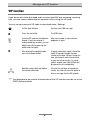
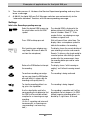
Menu: Opens the menu. Serves as an entry key for letters and numbers
within the telephone directory.
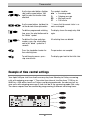
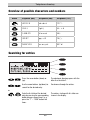
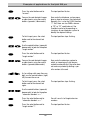
Outgoing message: When pressed briefly, starts the playback of the current
outgoing message. When you press the button and keep it pressed, you can
start the recording of the currently set outgoing message. In the electronic
telephone directory, the button is used to enter letters and numbers.
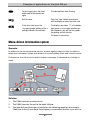
Message transfer: Activates or de-activates the message transfer function.
In the telephone directory, the button is used to enter letters and numbers.
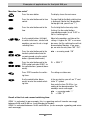
Time control: Activates or deactivates the time control. In the electronic
telephone directory, the button is used to enter letters and numbers.
Secondary function: Allows to use a second function. In the electronic
telephone directory, the button is used to enter letters and numbers.
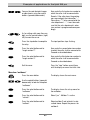
or
or
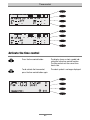
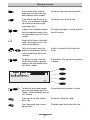
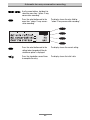
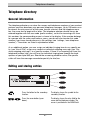
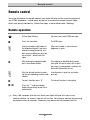
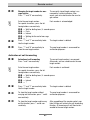
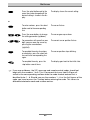
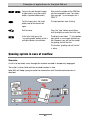
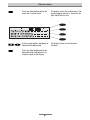
Control or arrow buttons (up/down): Opens the telephone directory to
navigate and input in the menus. When pressed during playback, the
playback speed is changed.
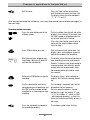
Control or arrow buttons (left/right): Are used to change the display contrast, to move the cursor to the left or right side and to change the volume
when being pressed during playback.
Select button: This button is used to select menus, entry fields and
functions which are shown in the display next to the corresponding button.
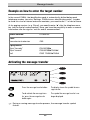
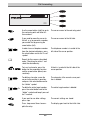
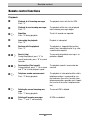
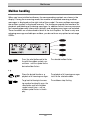
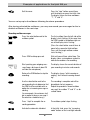
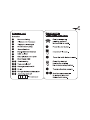
and
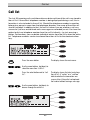
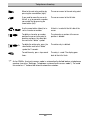
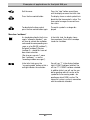
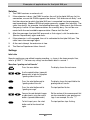
Secondary function and playback pressed consecutively: Starts the playback of all incoming messages. The playback begins with the oldest
incoming message and ends with the latest incoming message.
and
Secondary function and control or arrow button (up) or (down) pressed
consecutively: Opens the entry field for the telephone directory.
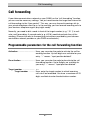
and
Press and keep pressed secondary function followed by outgoing
message: Button combination used to start the recording of the outgoing
message via the audio input.
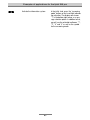
and
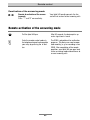
Secondary function and control or arrow button (left/right) pressed
consecutively: Changes the brightness of the display.
4