1
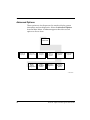
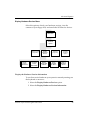
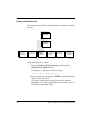
Administrative Options
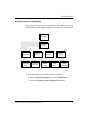
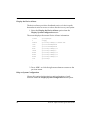
3. Press the <ESC> key or click the right mouse button to return
to the previous menu.
Refer to the PowerPC Open Firmware UserÕs Manual, Volume 2
for further information on editing these variables.
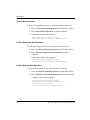
Edit the Boot Variables
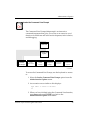
This option allows you to interactively modify the NVRAM boot
related variables.
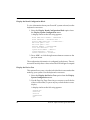
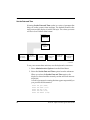
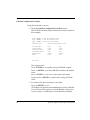
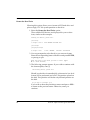
1. Select the Edit the Boot Variables option.
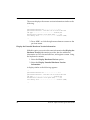
The ok prompt appears where you can use the Command
Line Interface to edit and change the variables.
As each line is displayed, you may skip to the next variable
by pressing the ENTER key. To exit, type:
. <ENTER> or
q <ENTER>
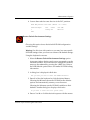
2. To set a variable to its default condition, type:
= <ENTER>
In cases without a default condition, this erases that
particular variable.
3. To change a variable to a new, nondefault condition, type the
new contents at the prompt and press ENTER.
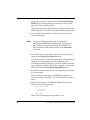
All changes made are immediately saved to NVRAM. You
may rerun this option or reset the default values if you would
like to restore something that was accidentally modified.
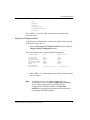
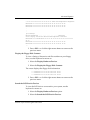
4. Press the <ESC> key or click the right mouse button to return
to the previous menu.
PowerPC Open Firmware Quick Start Guide
45