1
ST55 en retail, A31008-H6850-A101-1-7619 (7. August 2003, 19:16)
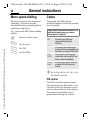
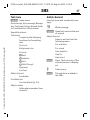
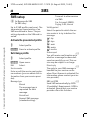
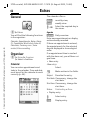
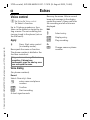
Text entry
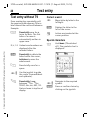
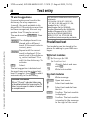
Text entry with T9
"T9" deduces the correct word from
the individual key entries by making
comparisons with an extensive dictionary.
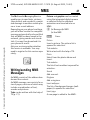
T9 menu
CMSettingsMDeviceMT9 input
Select input language
Select the language in which you
want to compose your message.
© Siemens AG 2001, I:\Mobil\ST55\ST55_retail\en\_von_ok\ST55_text.fm
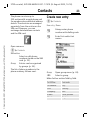
T9 input language
Select.
§Select§
Confirm, the new language is set.
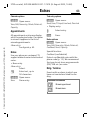
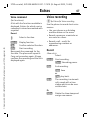
Set T9 as standard
The T9 system is set as standard for
text entry.
T9 preferred
Select.
§Select§
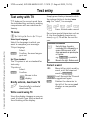
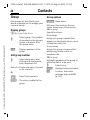
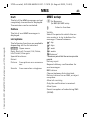
Simply press the keys beneath which
the relevant letter is located once
only. For "hotel", for example:
4 6 8 3 5
1 Press. A blank ends a word.
Do not use special characters such as
Ä. Use the standard characters instead, e.g. A; T9 will do the rest for
you.
Additional information
Set a full stop. A word is
concluded if it is followed by a
space. Within a word, a full
stop represents an apostrophe
or hyphen:
e.g. §provider.s§ = provider’s.
Move to the right. Ends a word.
0
E
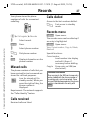
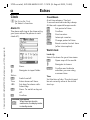
Correct a word
F
Confirm.
Shown in the
display.
Briefly activate, deactivate T9
#
Press briefly to activate/
deactivate T9.
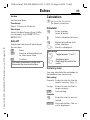
Write a word using T9
Since the display changes as you proceed, it is best if you finish a word without looking at the display.
21
Move left or right, word by
word, until the required
word is §highlighted§.
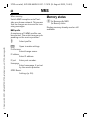
Scroll through the T9 word
suggestions again.
§Clear§
Deletes the character to
the left of the cursor and
displays a new possible
word!