1
User manual
SANTEC IP cameras
2.4.2 Video compression
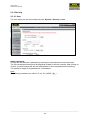
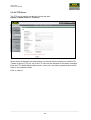
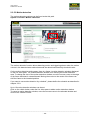
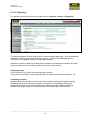
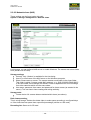
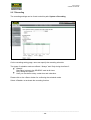
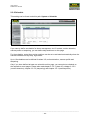
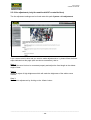
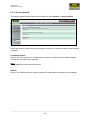
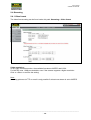
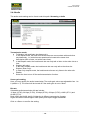
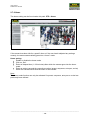
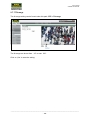
The video compression setting can be found under this path:
Streaming > Video compression
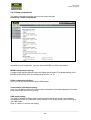
Depending on the application, you can select a MJPEG or H.264 compression.
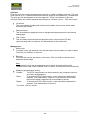
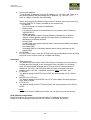
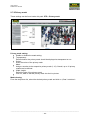
MJPEG compression setting:
A higher value implies higher bit rates and higher visual quality. The default setting of the
MJPEG quality factor is 35; the setting range is from 1 to 70.
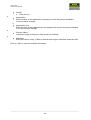
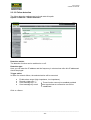
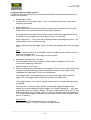
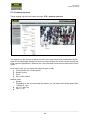
H.264 compression settings:
Here you can set the bit rate for each H.264 stream.
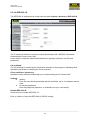
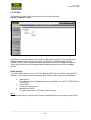
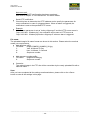
Compression information setting:
Here you can define whether the compression information should be displayed on the start
page underneath the live view picture.
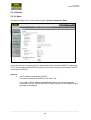
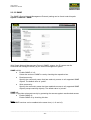
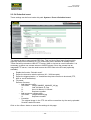
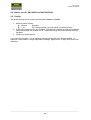
CBR mode setting:
The CBR (Constant Bit Rate) mode can be the preferred bit rate mode if the available
bandwidth is limited. It is important to pay attention to the image quality when choosing to
use CBR mode.
Click on <Save> to confirm the setting.
_________________________________________________________________________________
- 130 -