1
Ethernet Printer Technical Manual
November 10, 2010
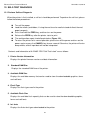
7. H. position adjust
Sets the horizontal offset when printing.
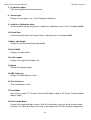
8. Sensor type
Displays sensor type in use - See-Through or Reflective.
9. Label-less Calibration Value
Checks whether the printer performs a label-less calibration or not. If not, it should be 0000.
10. Check Sum
Used to check whether the firmware flash is correct or not. It should be 0000.
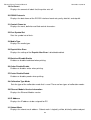
11. Max Label Height
Displays the maximum printing label height.
12. Print Width
Displays the print width.
13. Label Length
Displays the height of the label size.
14. Speed
Displays the printer speed.
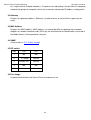
15. ABS. Darkness
Displays the ABS darkness level.
16. Trim. Darkness
Trims the darkness level.
17. Print Mode
Sets the print mode: TT (Thermal Transfer with ribbon) mode or DT (Direct Thermal without
ribbon) mode.
18. Print Length Meter
Displays the length printed in meters. With this information, you may check the print head
warranty. The value will not be reset even if you replace the TPH or any other components.
48