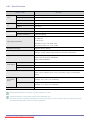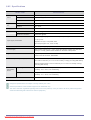
1
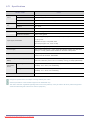
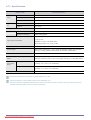
6-58 Power Saving Function
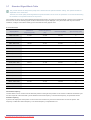
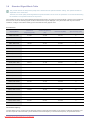
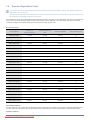
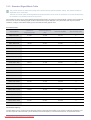
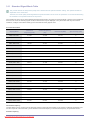
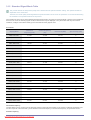
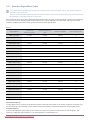
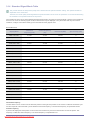
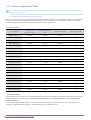
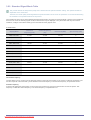
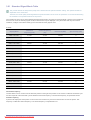
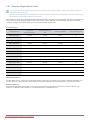
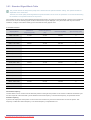
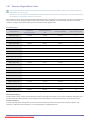
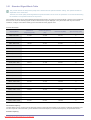
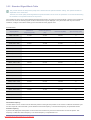
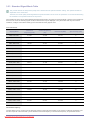
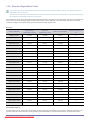
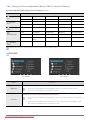
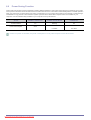
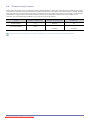
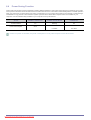
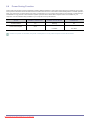
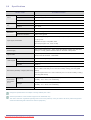
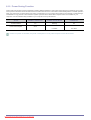
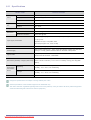
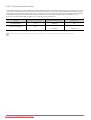
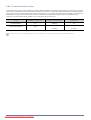
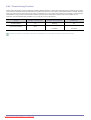
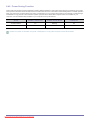
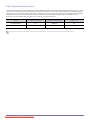
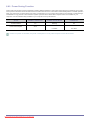
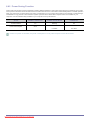
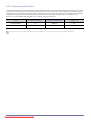
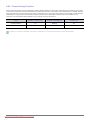
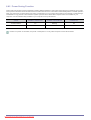
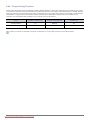
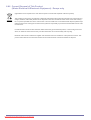
This monitor has a built-in power management system called PowerSaver. This system saves energy by switching your monitor
to low-power mode when it has not been used for a certain amount of time. The monitor automatically returns to normal operation
when you press a key on the keyboard. For energy conservation, turn your monitor OFF when it is not needed, or when leaving it
unattended for long periods. The PowerSaver system operates with a VESA DPM compliant video card installed in your
computer. Use the software utility installed on your computer to set up this feature.
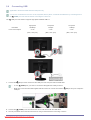
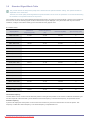
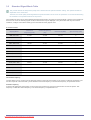
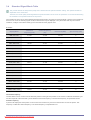
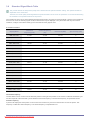
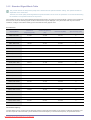
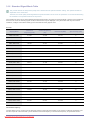
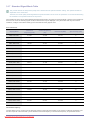
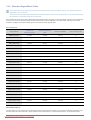
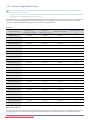
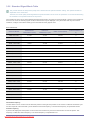
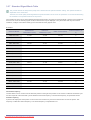
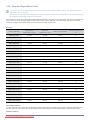
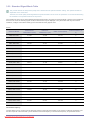
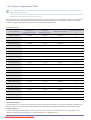
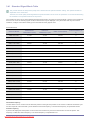
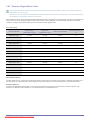
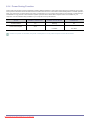
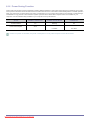
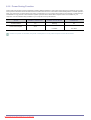
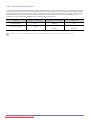
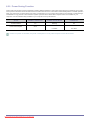
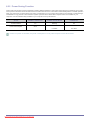
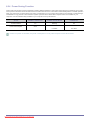
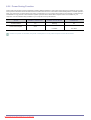
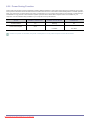
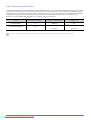
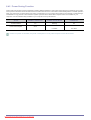
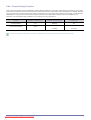
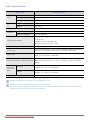
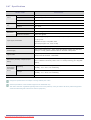
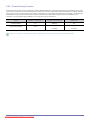
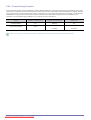
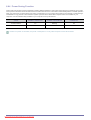
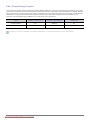
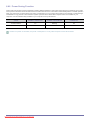
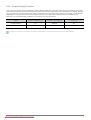
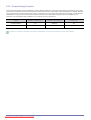
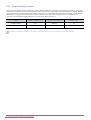
STATE
NORMAL OPERATION
POWER SAVING MODE
POWER OFF
Power Indicator
On
Blinking
Off
Power Consumption
45 W
Less than
Less than
0.3 watts
0.3 watts
If there is no power cut-off switch, the power consumption is "0" only when the power cord is disconnected.
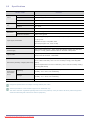
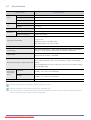
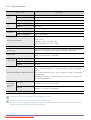
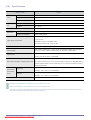
More Information
Downloaded
from ManualMonitor.com Manuals
6-58