1
Chapter 5: Local Management
Data Source (Read-only)
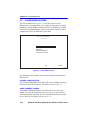
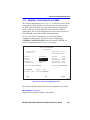
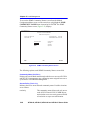
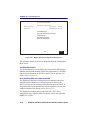
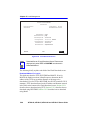
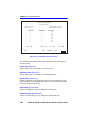
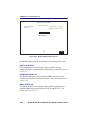
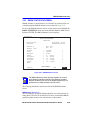
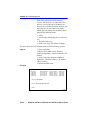
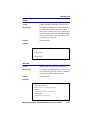
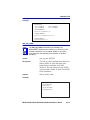
This field displays the source of the statistics data that is currently being
displayed on the screen. Figure 5-35 shows that the data source for this
RMON index is Interface 1 (port 1) by displaying the name IfIndex.1. If
the screen was displaying RMON statistics for Interface 22 (port 22), the
name displayed would be IfIndex.22.
Owner (Read-only)
This field displays the name of the entity that configured this entry.
Status (Read-only)
The Status field displays the current operating status of the displayed
interface. This field will display “Valid” or “Invalid”.
Drop Events (Read-only)
This field displays the total number of times that the RMON agent was
forced to discard frames due to the lack of available switch resources.
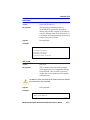
NOTE
The Drop Events field does not display the number of frames
dropped, it only displays the number of times that the RMON
agent was forced to discard frames.
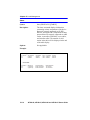
Collisions (Read-only)
This field displays the total number of collisions that have occurred on
this interface.
Broadcast Pkts (Read-only)
The Broadcast Pkts field displays the total number of good frames that
were directed to the broadcast address. The value of this field does not
include multicast frames.
Multicasts (Read-only)
The Multicasts field displays the total number of good frames received
that were directed to a multicast address. The value of this field does not
include frames directed to the broadcast address.
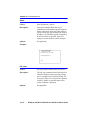
CRC Align Errors (Read-only)
This field displays the number of frames with bad Cyclic Redundancy
Checks (CRC) received from the network. The CRC is a 4-byte field in
the data frames that ensures that the data received is the same as the data
that was originally sent.
5-100
6E128-26, 6E138-25, 6E129-26 and 6E139-25 User’s Guide