1
AcuLaser CX16 Series
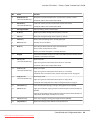
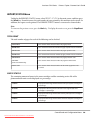
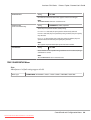
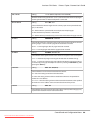
DOMAIN NAME*4
Printer / Copier / Scanner User’s Guide
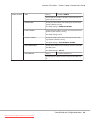
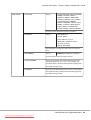
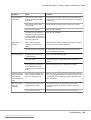
Specify the domain name (up to 64 characters) used to connect to the LDAP server.
The default setting is blank.
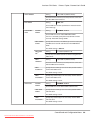
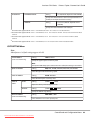
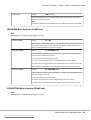
USB SETTING
Setting
Windows / Mac
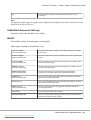
Select the operating system of the PC to which this machine is
connected with a USB cable.
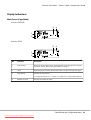
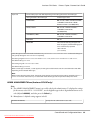
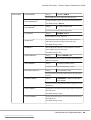
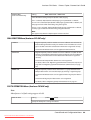
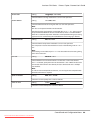
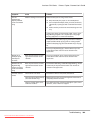
COMM. SETTING
TONE/PULSE
Setting
TONE / PULSE
Select the dialing system. If this parameter is not correctly set
to the type of dialing system used, faxes cannot be sent and
received.
Select the correct setting after checking which type of dialing
system is used by your telephone line.
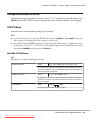
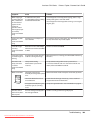
LINE MONITOR
Setting
OFF / LOW / HIGH
Select the volume of the monitoring sound of the transmission signal.
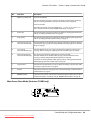
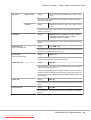
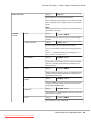
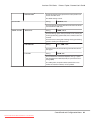
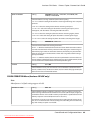
PSTN/PBX
Setting
PSTN / PBX
Select whether the connected telephone wiring is a public
switched telephone network (PSTN) or a private branch exchange (PBX).
For a PBX system, the prefix number (outside line access
number or extension number) can be specified.
Control Panel and Configuration Menu
Downloaded from ManualsPrinter.com Manuals
41