1
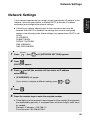
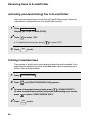
Receiving Faxes to E-mail/Folder
3
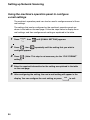
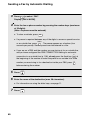
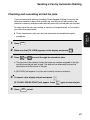
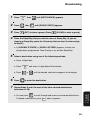
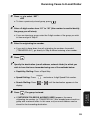
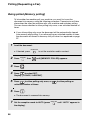
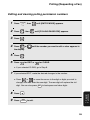
Press
to select “SET”.
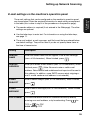
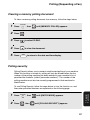
• To clear a previously stored group, press
4
.
Enter a 2-digit number from “01” to “30” (this number is used to identify
the group you will store).
• If you are clearing a group, enter the 2-digit number of the group you wish
to clear and go to Step 8
5
Enter the originating fax number.
• If you wish to have faxes from all originating fax numbers forwarded
(“TRANSFER ALL”), go directly to Step 6 without entering a fax number.
6
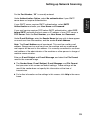
Press
7
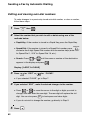
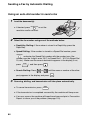
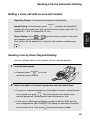
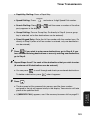
Specify the destination (e-mail address, network folder) to which you
wish to have the faxes forwarded using one of the methods below:
START
.
• Rapid Key Dialling: Press a Rapid Key.
• Speed Dialling: Press
• Search Dialling: Press
SPEED DIAL
and enter a 3-digit Speed Dial number.
or
until the destination appears in the
display.
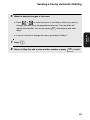
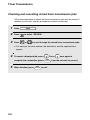
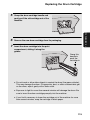
Press
START
. The group is stored.
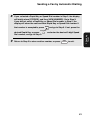
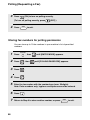
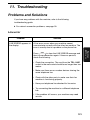
• If [NETWORK FOLDER IS ALREADY USED] appears, the same
originating fax number (or “TRANSFER ALL”) has already been stored in a
group with a network folder. In this case, only an e-mail address can be
stored for the forwarding destination.
93
7. Special
Functions
8