1
Installation
Configuring Phoenix for international use
1
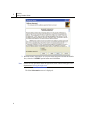
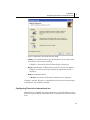
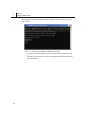
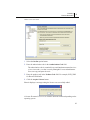
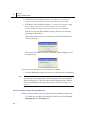
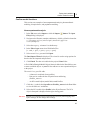
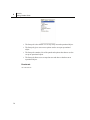
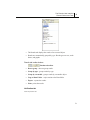
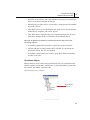
• Select a maintenance operation and click Next.
» Modify is the default selection type. Modify allows users to make additional choices about what is installed.
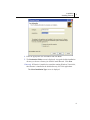
– If Modify is selected, the Select Features dialog is displayed.
» Repair reinstalls parts of Phoenix that need to be corrected or updated
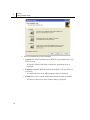
– If Repair is selected, the Ready to Repair the Application screen is
displayed.
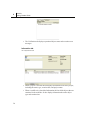
» Remove uninstalls Phoenix.
– If Remove is selected, the Phoenix Uninstall screen is displayed.
If Repair is selected, Phoenix is re-installed based on the user selections made
when Phoenix was originally installed.
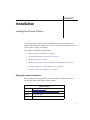
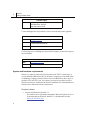
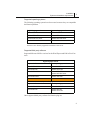
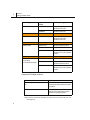
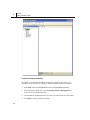
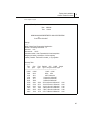
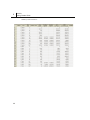
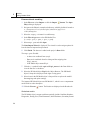
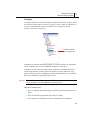
Configuring Phoenix for international use
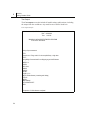
When Phoenix is installed on systems that do not use the United States region,
then some regional display information must be changed before Phoenix can be
used.
15