1
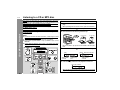
Listening to a cassette tape
3
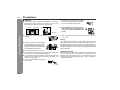
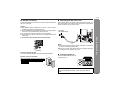
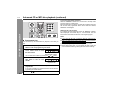
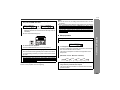
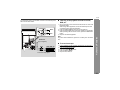
Open the cassette compartment by pushing the area
marked "PUSH EJECT ".
4
Load a cassette into the cassette compartment with the
side to be played facing toward you.
5
Close the cassette compartment by pushing the area
marked "PUSH EJECT ".
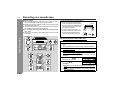
6
Press the
playback.
button to start
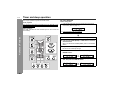
When playback is performed using the remote control, press
the button.
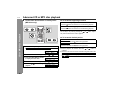
To stop playback:
Press the button.
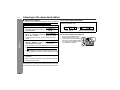
Fast forward/rewind:
To advance the tape, press the
button.
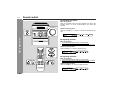
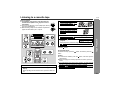
1
2
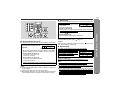
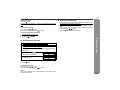
Press the ON/STAND-BY button to turn the power on.
Press the FUNCTION button until "TAPE" appears on the
display.
When operating with the remote control, press the TAPE button.
button. To rewind it, press the
Tape Playback
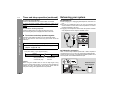
Before playback:
" For playback, use normal or low-noise tapes for
the best sound. (Metal or CrO tapes are not recommended.)
" Do not use C-120 tapes or poor-quality tapes, as they
may cause malfunctions.
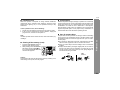
" Before loading a tape into the cassette compartment,
tighten the slack with a pen or a pencil.
XL-E80
Caution:
" To remove the cassette, press the button, and then open the
compartment.
" Before changing from one tape operation to another, press the
button.
" If a power failure occurs during tape operation, the tape head will
remain engaged with the tape and the cassette compartment will
not open. In this case, wait until the power is restored.
( ) button is pressed during tape playback, the unit
" Even if the
will not enter the pause mode.
21