1
Operation
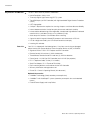
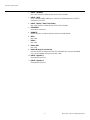
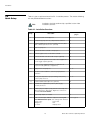
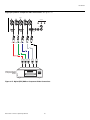
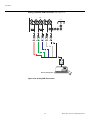
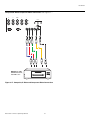
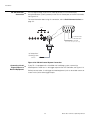
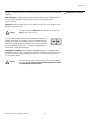
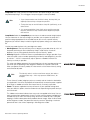
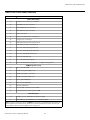
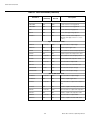
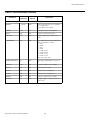
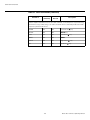
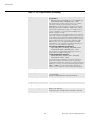
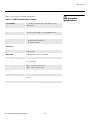
Table 4-1. Aspect Ratio Settings (continued)
Remote
Control
Key
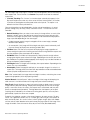
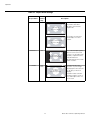
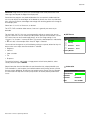
VirtualWide
V-WIDE
Description
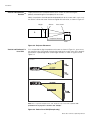
4:3 Image on
16:9 Screen (Display)
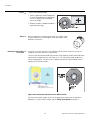
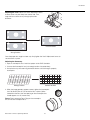
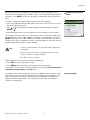
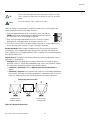
VirtualWide scales a 4:3
image NON-linearly (more on
the sides than in the center)
to fit a 16:9 screen.
Y
Aspect Ratio
EL
IM
IN
A
R
4:3 Image on
16:9 Screen
with VirtualWide
4:3 Image on
2.35:1 Screen
with VirtualWide
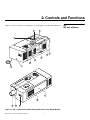
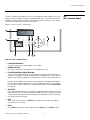
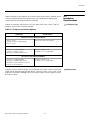
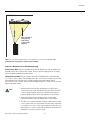
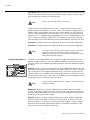
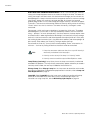
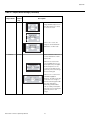
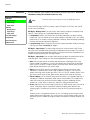
Cinema
CINEMA
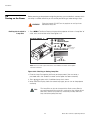
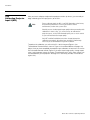
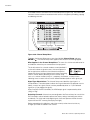
On a 2.35:1 screen, the
image is centered between
black bars on either side.
Select Cinema to view 2.35
source material in its native
aspect ratio.
PR
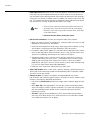
2.35:1 Image on
16:9 Screen
(Cinema aspect ratio / no CineWide)
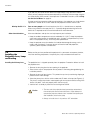
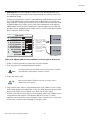
2.35:1 Image on
2.35:1 Screen
(Cinema aspect ratio / CineWide)
Runco SC-1 Owner’s Operating Manual
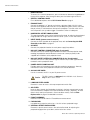
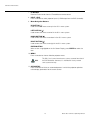
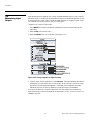
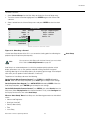
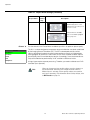
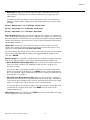
With a 16:9 screen and a
non-CineWide projector (no
anamorphic lens), the upper
and lower portions of the
screen are masked, but the
geometry of the active image
area is unchanged.
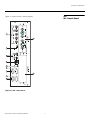
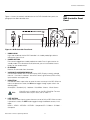
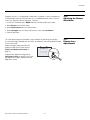
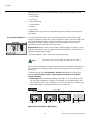
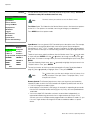
With a 2.35:1 screen and a
CineWide-equipped
projector, the DHD Controller
scales the 2.35:1 image so
that the active image area fills
the 16:9 chip surface,
eliminating the black bars.
The secondary, anamorphic
lens then restores the proper
geometry to the 2.35:1
image.
73