1
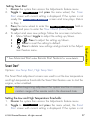
Select Play All and all available animations and still screens play
when a message is received from the system. Select Triggers Only and
the animations are only played if a message indicating the security
system has triggered and the siren is sounding. Screen stills are active
for features in this selection.
Button Beeps
Options: ON (default), OFF
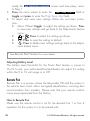
When Button Beeps are ON you hear a beep each time you press
a button. These beeps can be turned OFF if you prefer silent button
presses.
Options: Battery Save (default), ON, OFF
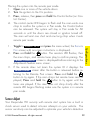
Paging is how the HD remote monitors your system’s messages. Battery Save extends battery life by turning Paging Off after 72 hours if
the remote control is not used during this period. Just press any button
to resume system monitoring. When ON it wakes up every few seconds to listen for pages from the system. When OFF it does not wake
up to receive remote start or alarm trigger pages.
Note
When off, responses are still received when a command
is performed.
Temp Units
Options: Fahrenheit (default), Celsius
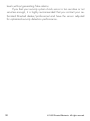
Temperature can be displayed in your choice of temperature scales.
© 2009 Directed Electronics. All rights reserved.
25
Configurations
Paging