1
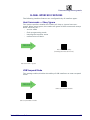
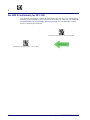
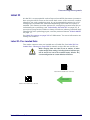
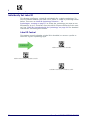
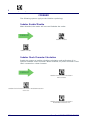
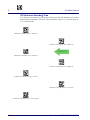
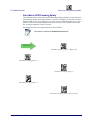
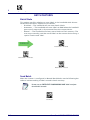
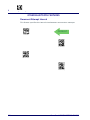
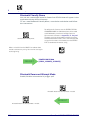
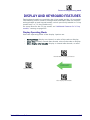
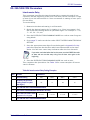
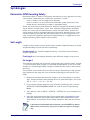
Enter/Exit Programming Mode
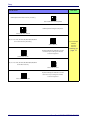
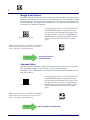
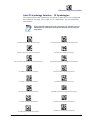
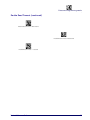
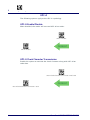
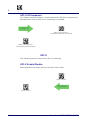
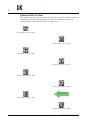
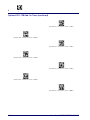
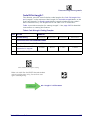
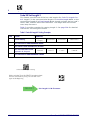
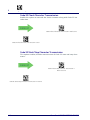
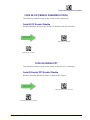
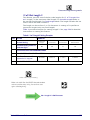
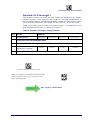
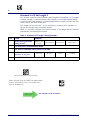
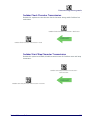
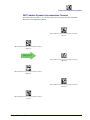
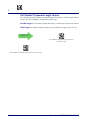
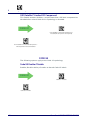
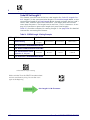
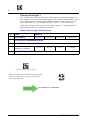
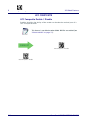
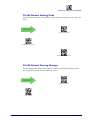
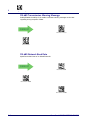
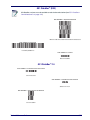
GS1 DataBar™ Omnidirectional 2D Component
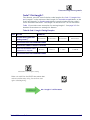
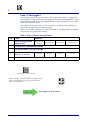
This feature enables/disables a requirement that a 2D label component be
decoded when a base label for this symbology is decoded.
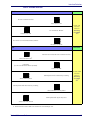
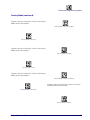
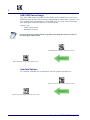
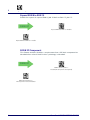
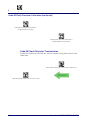
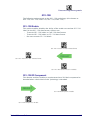
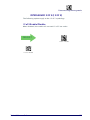
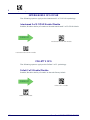
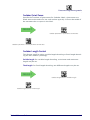
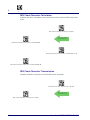
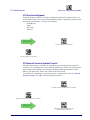
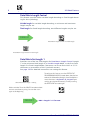
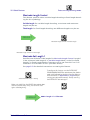
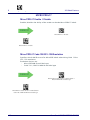
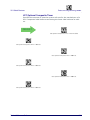
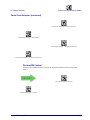
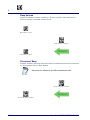
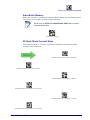
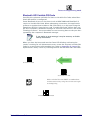
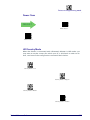
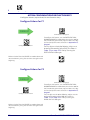
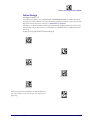
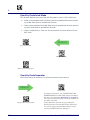
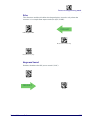
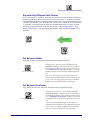
$C4B2D00(CR)
DEFAULT
GS1 DataBar™ Omnidirectional 2D Component =
Disable (2D component not required)
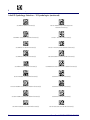
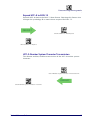
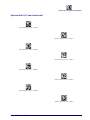
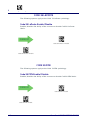
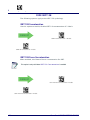
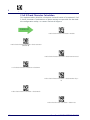
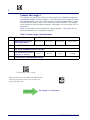
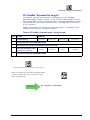
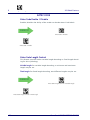
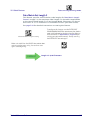
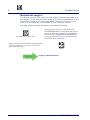
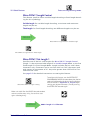
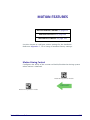
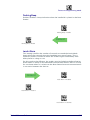
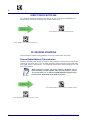
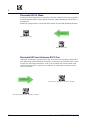
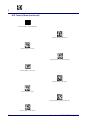
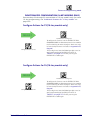
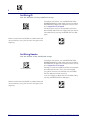
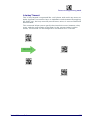
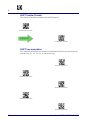
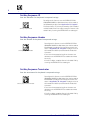
$C4B2D01(CR)
GS1 DataBar™ Omnidirectional 2D Component =
2D component must be decoded
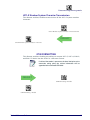
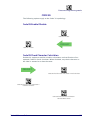
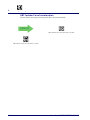
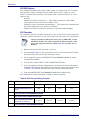
GS1 DATABAR™ EXPANDED
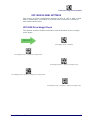
The following options apply to the GS1 DataBar™ Expanded (formerly RSS
Expanded) symbology.
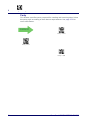
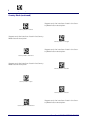
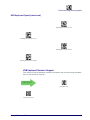
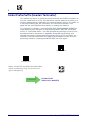
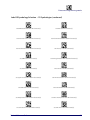
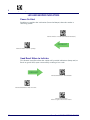
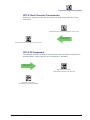
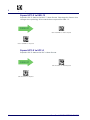
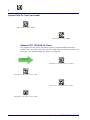
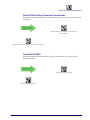
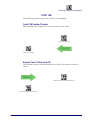
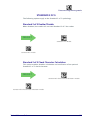
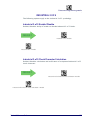
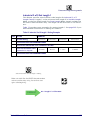
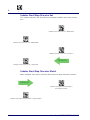
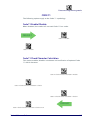
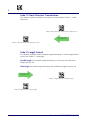
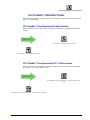
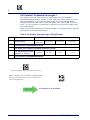
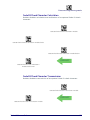
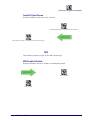
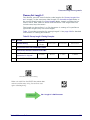
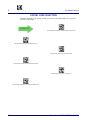
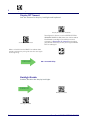
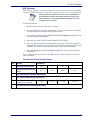
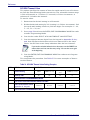
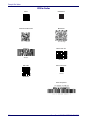
GS1 DataBar™ Expanded Enable/Disable
When disabled, the reader will not read GS1 DataBar™ Expanded bar codes.
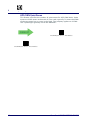
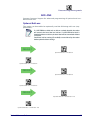
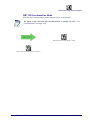
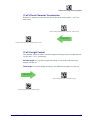
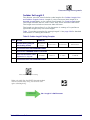
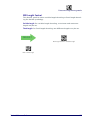
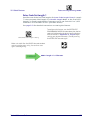
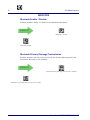
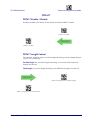
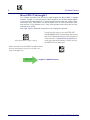
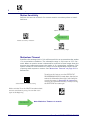
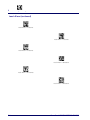
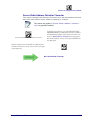
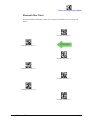
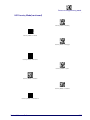
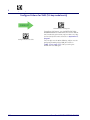
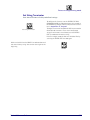
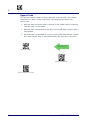
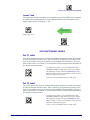
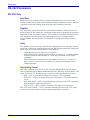
$CXBEN00(CR)
DEFAULT
GS1 DataBar™ Expanded = Disable
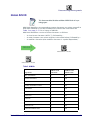
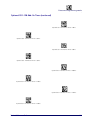
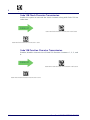
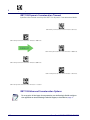
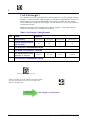
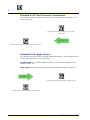
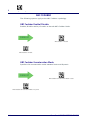
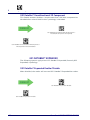
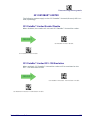
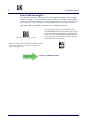
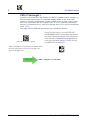
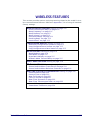
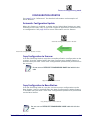
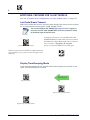
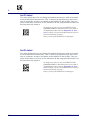
$CXBEN01(CR)
GS1 DataBar™ Expanded = Enable
152
PowerScan™ PD9530/PBT9500/PM9500