1
2D Global Features
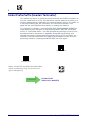
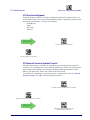
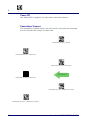
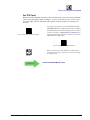
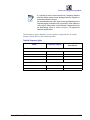
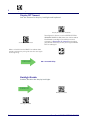
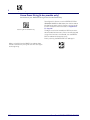
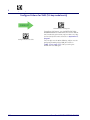
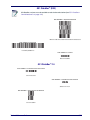
Enter/Exit Programming Mode
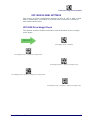
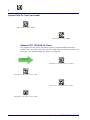
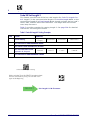
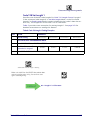
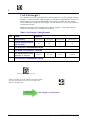
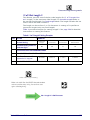
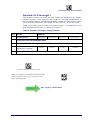
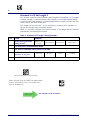
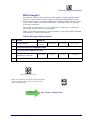
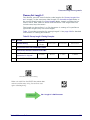
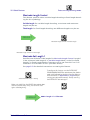
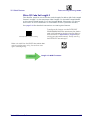
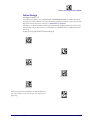
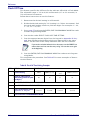
QR Code Set Length 2
This feature specifies one of the bar code lengths for QR Code Length Control. Length 2 is the maximum label length if in Variable Length Mode, or
the second fixed length if in Fixed Length Mode. Characters can be set from
0001 to 7,089 characters in increments of 0001 (pad with zeroes).
See page 284 for detailed instructions on setting this feature.
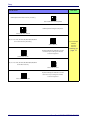
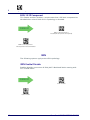
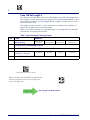
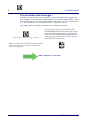
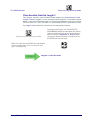
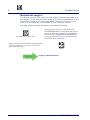
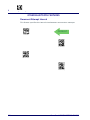
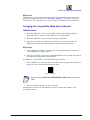
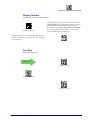
$CQRL2
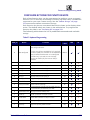
Select QR Code Length 2 Setting
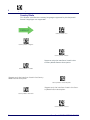
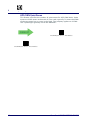
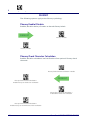
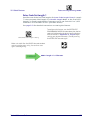
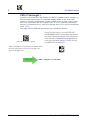
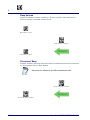
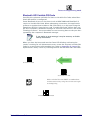
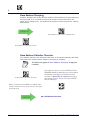
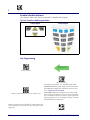
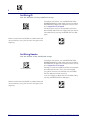
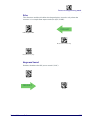
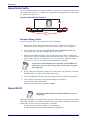
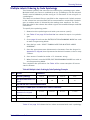
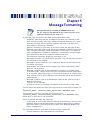
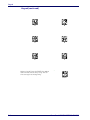
Make a mistake? Scan the CANCEL bar code to abort
and not save the entry string. You can then start
again at the beginning.
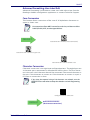
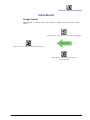
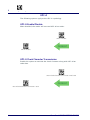
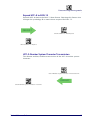
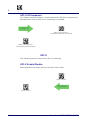
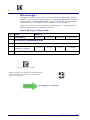
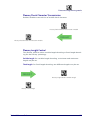
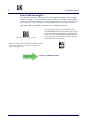
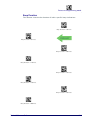
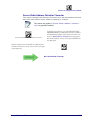
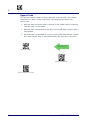
To configure this feature, scan the ENTER/EXIT
PROGRAMMING MODE bar code above, then the bar
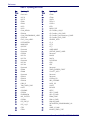
code at left followed by the digits from the Alphanumeric characters in Appendix D, Keypad representing your desired character(s). End by scanning
the ENTER/EXIT bar code again.
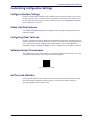
~
CANCEL
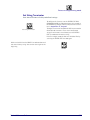
DEFAULT
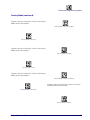
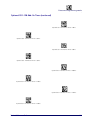
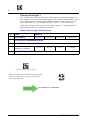
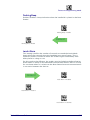
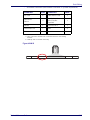
Length 2 is 7,089 Characters
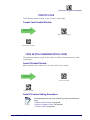
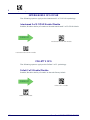
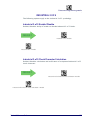
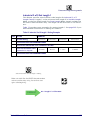
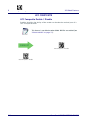
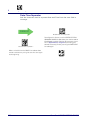
MICRO QR CODE
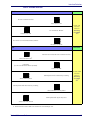
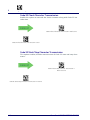
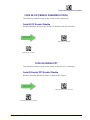
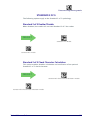
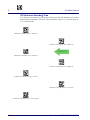
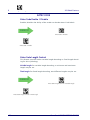
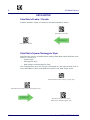
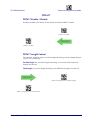
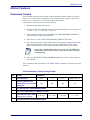
Micro QR Code Enable/Disable
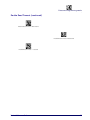
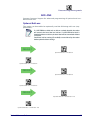
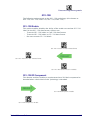
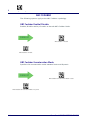
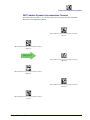
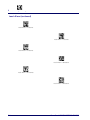
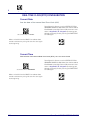
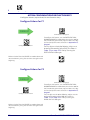
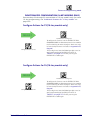
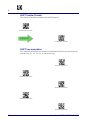
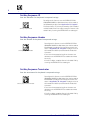
Enables/disables the ability of the reader to decode Micro QR Code labels.
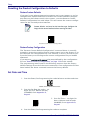
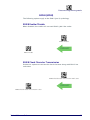
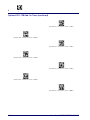
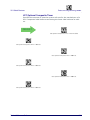
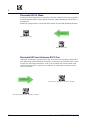
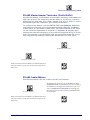
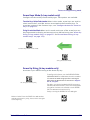
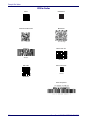
MQEN00
DEFAULT
Micro QR Code = Disable
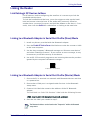
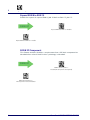
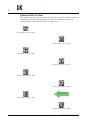
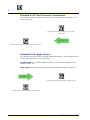
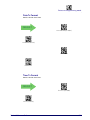
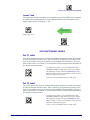
MQEN01
Micro QR Code = Enable
Product Reference Guide
197