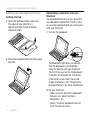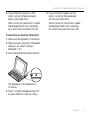
1
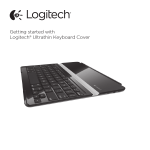
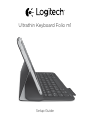
Logitech Ultrathin Keyboard Folio m1
1. iPad mini holder
2. Protective folio
3. Function keys
4. Keyboard
5. Bluetooth® light
6. Battery status light
7.Bluetooth connect button
8. On/off switch
9. Micro-USB charging port
10.Micro-USB charging cable
11. Product documentation
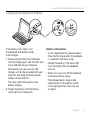
Know your product
1
2
5 6
7
8
9
3
4
Ultrathin Keyboard Folio m1
1
2
3
4
11
10
PDF
www.logitech.com/support/ultrathin-keyboard-folio-m1
English 3