1
3.6 Login to Base EXP1240 Configuration Interface
STEP 1
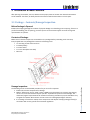
Connect the Base station to a private network via standard Ethernet cable (CAT-5).
STEP 2
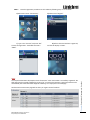
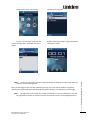
Use the IP find menu in the handset (Menu * 4 7 *) to determine the IP-address of the base
station by matching the MAC address on the back of the base station with the MAC address list in
the handset.
STEP 3
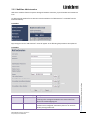
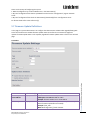
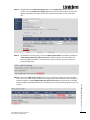
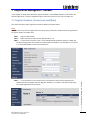
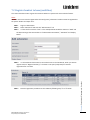
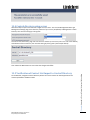
On the Login page, enter your authenticating credentials (i.e. username and password). By
default the username and password is admin. Click OK button.
Chapter: Installation of Base Stations
STEP 4
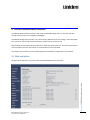
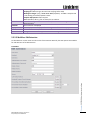
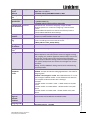
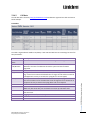
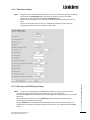
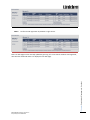
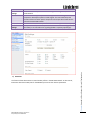
Once you have authenticated, the browser will display front end of the EXP1240
Configuration Interface. The front end will show relevant information of the base station.
EXP1240 Admin Guide, Version 2.0
Proprietary and Confidential
16