1
ST60 english retail, A31008-H6855-A101-1-7619 (11. December 2003,
SMS
42
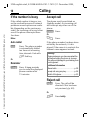
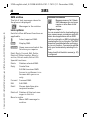
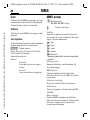
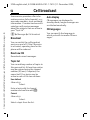
SMS archive
The list of text messages stored in
the phone is displayed.
Messages in the archive.
© Siemens AG 2001, I:\Mobil\ST60\retail\en\_von_itl\ST60_Retail_EN_031209\ST60_messages.fm
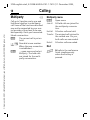
Lists options
Each list offers different functions as
applicable.
I
Select required SMS.
(Read)
Display SMS.
(Options) Open menu and select the
function you require:
Detail, Reply, Forward, Edit, Delete,
Delete all, Extract number, Move to
archive, Extract media, Extract URL
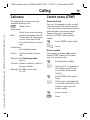
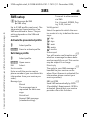
Special functions:
Delete
Deletes selected SMS.
Reply
Create New.
Edit Edit received SMS.
Answer is yes/Answer is no
Answer with yes or no
only.
Forward
Forward SMS.
Edit
Edit SMS.
Detail
Shows date/time plus
recipient/sender.
Delete all Deletes all the text messages in this list.
Move to archive
Move SMS message to
archive.
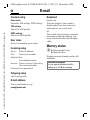
Additional information
Message memory full. Delete
SMS messages you no longer
require or move them to the
archive.
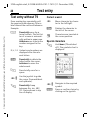
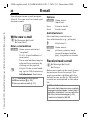
Ringtones, logos ...
You can receive links for downloading ringtones, screen savers, animations and information about applications with an SMS.
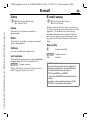
The link contained in an SMS is highlighted
by selecting the Extract function. The WAP
connection is established after confirming
the Launch function. You can also add the
link to your bookmarks by selecting Bookmark.
Please check that the dial-in access (p. 57)
is configured.