1
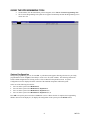
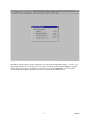
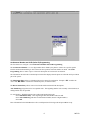
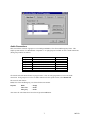
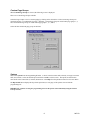
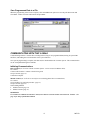
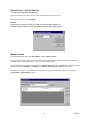
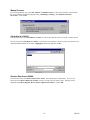
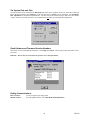
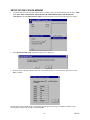
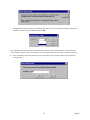
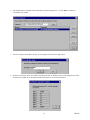
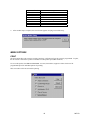
Save Programmed Data to a File When the programming selections are complete, click on the File menu option to access the pull-down menu and select Save. Define fine name and location and press Save. A COMMUNICATING WITH THE V-2924A Communicating with the V-2924A allows sending and receiving of user programmed data, Setting of System Date and Time, and reading the revision numbers of the system firmware. Once system programming is complete, this data must be downloaded to the V-2924A System. This communication can be accomplished through two methods: Initiating Communications Direct Connect (PC is on site with the V-2924A System - can be accessed via RS232 cable). To Connect: Connect cable from the V-2924A to the PC being used. Set up Com Port (page 12). Connection complete. Modem Connect (PC is off site or can only be accessed using phone lines to communicate). To Connect: Set up modem (User required procedure - page 12). Set up Com Port (page 12). Select Dialing Method Modem Connect (page 12) Manual Connect (page 13) REMINDER: For a modem to communicate with the V-2924A, there must be a remote modem connected to the V-2924A. See page 15 for Setup of the Remote Modem. 11 947213