1
r100 BMC Guide.book Page 70 Friday, January 22, 2010 10:56 AM
Selecting Ringer Types
Your phone provides a variety of ringer options that allow you to customize your
ring and volume settings. These options allow you to identify incoming calls by the
ring.
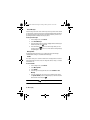
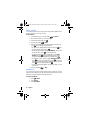
To select a ringer type:
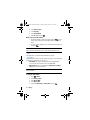
1. Press
for Menu.
2. Select Settings > Sounds.
3. Select Ringer Type.
4. Select Voice Calls, Messages, Schedule, or Roam Ringer.
•
•
•
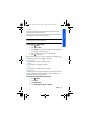
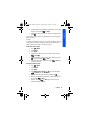
For Voice Calls, select With Caller ID or No Caller ID.
•
For Roam Ringer, select Normal or Distinctive.
For Messages, select Voicemail or Text Message.
For Schedule, select Ring Tones, Melodies, or My Downloads.
Press the navigation key up or down to select the desired ringer.
5. Press
to save and exit.
Alerts
Your phone can alert you with an audible tone when you change service areas,
once a minute during a voice call, or when a call has been connected.
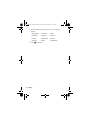
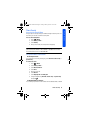
The different actions available are:
• Minute Beep: An alert tone is sounded every minute that you are
connected.
• Service: An alert tone is sounded when you come in or out of your coverage
area.
• Connect: An alert tone is sounded when you are initially connected.
• Signal Fade/Call Drop: An alert tone is sounded when the signal fades and
the connection is lost. An alert tone is also sounded when your phone
partially loses signal due to network conditions.
• Power On/Power Off: An alert tone is sounded when your phone is powered
On or Off.
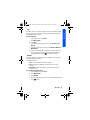
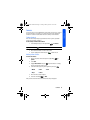
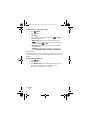
To enable or disable alert sounds:
1. Press
for Menu.
2. Select Settings > Sounds.
3. Select Alerts.
70 Settings